Motorized Faders: The Mixing Engineer's Complete Guide
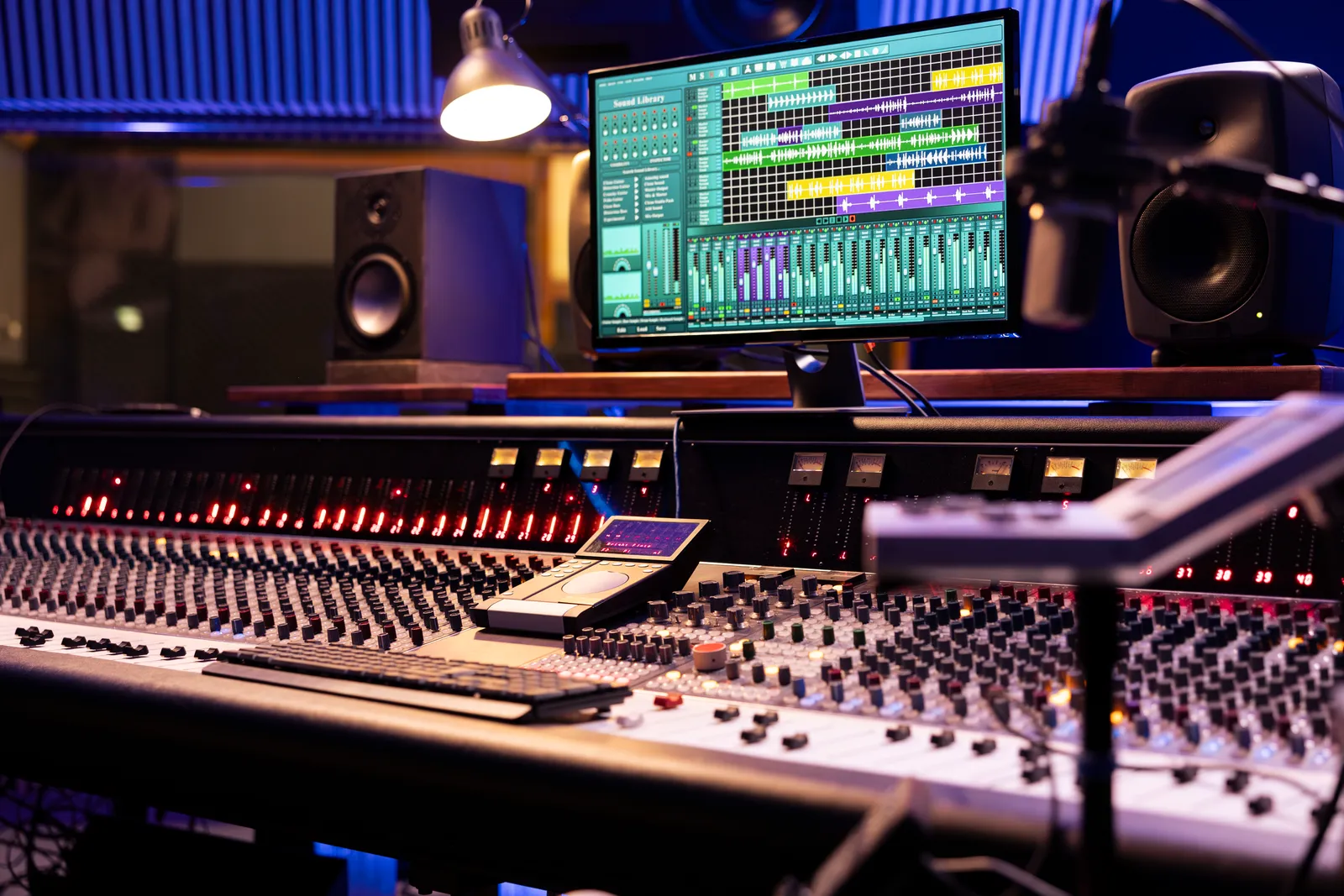
The motorized fader is one of the few pieces of technology that does something a mouse genuinely can't replicate: it moves on its own to match your DAW's automation, snapping to the exact position your session demands. Push a fader up during a mix pass, punch into automation write, ride the vocal through the chorus -- the motor records every move. Switch to read mode and the motorized fader tracks the curve you drew without you touching it again.
TL;DR
- A motorized fader uses a small DC motor to physically recall automation positions in real time
- Most DAW controllers communicate via MCU (Mackie Control Universal) or HUI protocol over USB
- Touch-sensitive sensing stops the motor the moment you reach for the fader
- Options range from single-channel units to 16-channel setups at a range of price points
What Is a Motorized Fader?
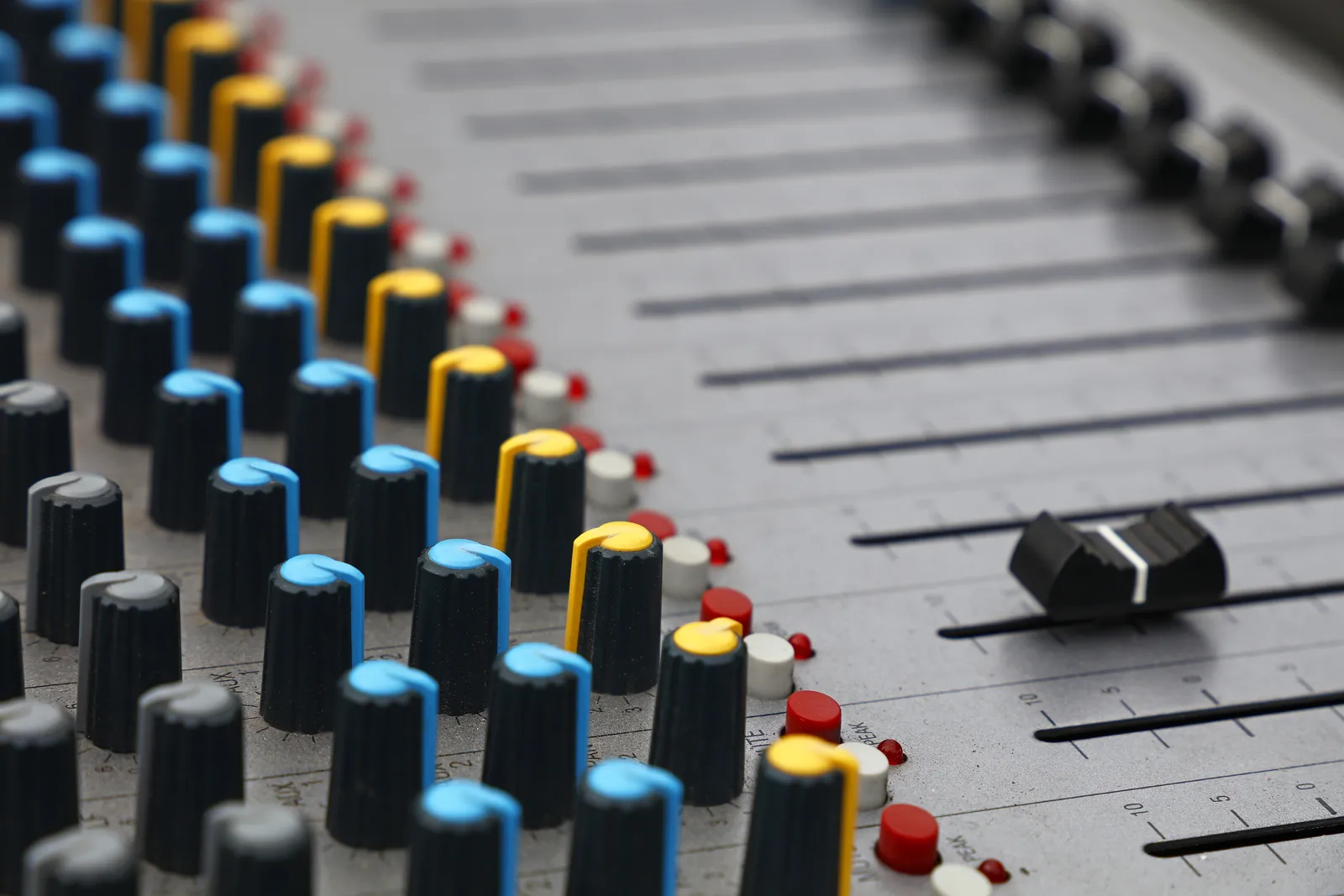
A fader is a slide potentiometer -- a linear control that adjusts volume or another parameter by moving a track up or down. A motorized fader adds a small DC motor to that mechanism. The motor receives position data from your DAW and moves the fader to match.
The core use case is automation recall. When you've drawn fader automation in your project, a motorized fader reads that data and physically moves to reflect it as the playhead moves through the session. In the era of large-format analog consoles, recall meant an engineer noting every fader position by hand and physically resetting them before playback -- a process that could take 30 minutes or more on a large session. Motorized recall makes this instant and accurate.
Every motorized fader should also be touch-sensitive. A capacitive or resistive layer on the fader cap detects the moment you grab it. When you touch a motorized fader, the motor stops fighting you and passes control entirely to your hand. Release it, and the motor resumes tracking the automation position. If a controller doesn't specify touch sensitivity on its motorized faders, verify before buying -- it matters for how automation write and touch modes behave.
How the MCU Protocol Makes It Work
The link between your DAW and a motorized fader controller runs over MIDI, typically using the Mackie Control Universal (MCU) protocol. MCU is a MIDI-based standard that assigns specific control messages to fader positions, transport controls, scribble strip labels, and button states. Your DAW sends a MIDI message specifying the target fader position, and the hardware translates that into a motor command.
HUI (Human User Interface) is the older alternative, originally developed for Pro Tools hardware integration. Many controllers support both MCU and HUI, and you select the mode in your DAW's control surface preferences -- usually a dropdown labeled "Mackie Control" or "HUI" in the MIDI controller setup screen.
Some newer controllers also support OSC (Open Sound Control), which is network-based rather than MIDI-based and offers higher resolution position data. OSC is more common in software-based setups and tablet control apps than in dedicated motorized hardware.
For a deeper look at the protocols that connect hardware to DAWs, the MIDI control surface guide covers MCU, HUI, and OSC in detail, including which DAWs support each natively. The MIDI Association's overview of the MCU protocol provides the technical specification if you want to go deeper on how the standard works.
Why Motorized Faders Matter for DAW Mixing
There are three practical reasons a mixing engineer reaches for a motorized fader controller over a static one.
Automation confidence. When you're printing automation moves, you want to know that the fader position you see is exactly what the DAW is recording. A motorized fader provides that feedback loop. You can watch the fader move to its programmed position before you drop into a ride, which means you're not guessing where the level will land when you punch out.
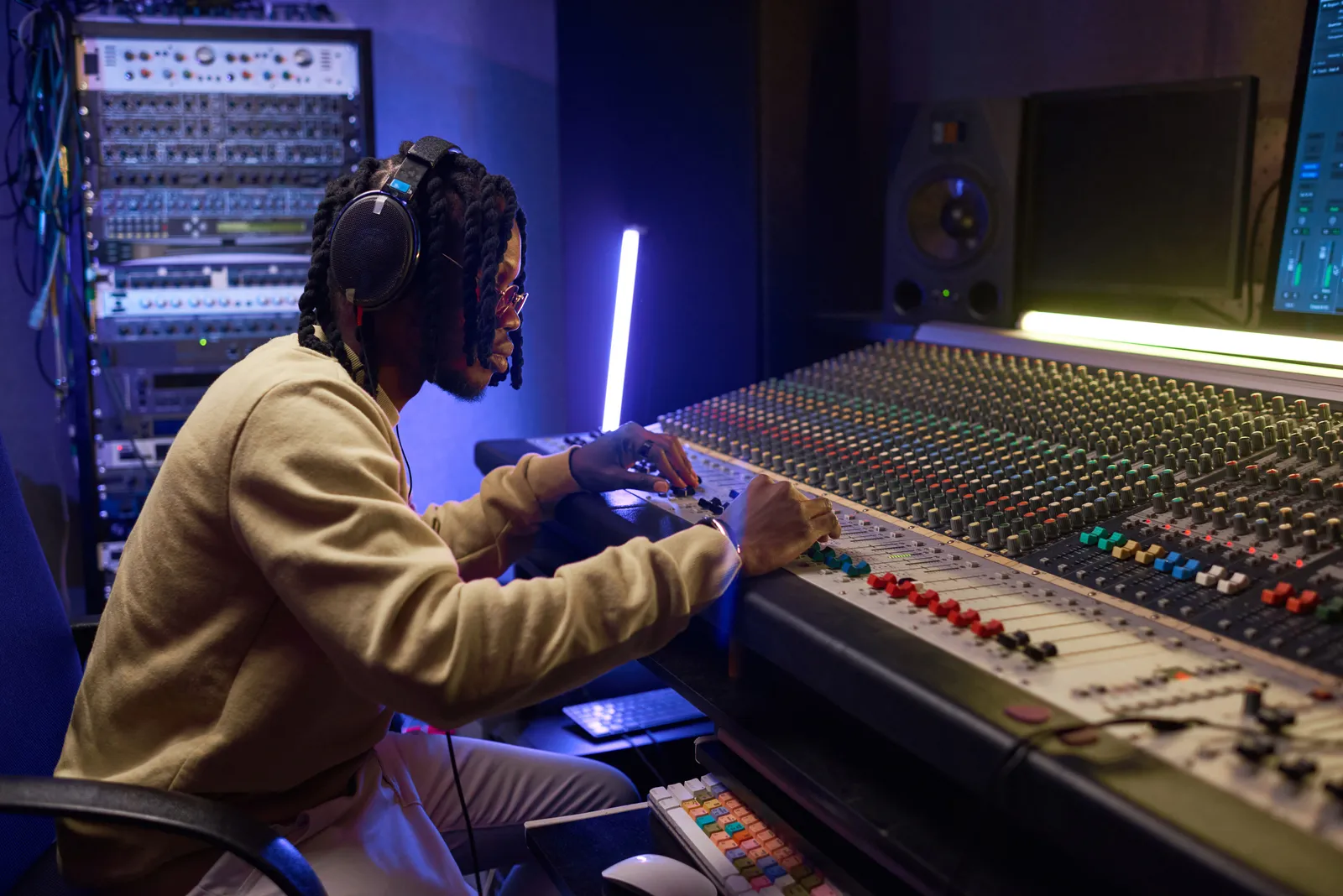
Tactile control. Fader rides have a physical dimension that's difficult to replicate with a mouse or trackpad. The resistance of the fader, the arc of the move, the feel of the cap under your thumb -- these affect how you make decisions during a mix pass. A motorized fader gives you real physical feedback that trains better muscle memory over time than clicking and dragging.
Session recall. In professional mixing, a session might be revisited days or weeks later, or recalled for a revision after mastering. Motorized faders bring every level back instantly. This is standard practice in commercial studios and increasingly expected in well-organized home studio setups too.
Motorized Fader MIDI Controllers: Best Options in 2026
The motorized fader midi controller market covers everything from single-channel units to full 16-channel surfaces. Here's a comparison of the most common hardware in this category:
| Controller | Faders | Protocol | Notes |
|---|---|---|---|
| PreSonus FaderPort 8 | 8 motorized 100mm | MCU, HUI | Strong Studio One integration, works with all major DAWs |
| PreSonus FaderPort 16 | 16 motorized 100mm | MCU, HUI | Full 16-channel coverage, scribble strips |
| SSL UF8 | 8 motorized 100mm | MCU | Aluminum build, SSL 360 software ecosystem |
| Behringer X-Touch | 9 motorized 100mm | MCU, HUI | Budget-friendly, widely available |
| Mackie Control Universal Pro | 8 motorized 100mm | MCU | The original MCU implementation |
| Icon Platform M+ | 8 motorized 100mm | MCU, HUI | More affordable mid-range option |
The Behringer X-Touch sits at the accessible end of the market and offers solid value for its feature set. For a direct comparison of two popular choices in this space, the FaderPort vs SSL UF8 breakdown covers price, build, and workflow differences in depth.
For a broader overview of how these fit into the overall DAW controller landscape, the complete DAW control surface guide is a useful reference before narrowing down to motorized-specific hardware.
The Sweetwater control surface category lists current pricing and availability if you're ready to compare specific models. Sound On Sound's guide to working with DAW control surfaces covers real-world workflow integration in more depth.
Motorized Fader Mixers vs DAW Control Surfaces
It's worth separating two distinct products that both use motorized faders, because they serve different purposes.
A motorized fader mixer is a standalone digital mixer with motorized faders built in. These devices have their own audio routing, onboard DSP, preamps, and often a built-in audio interface. They're not primarily designed as DAW control surfaces, though many offer USB audio connectivity and some level of DAW integration. Examples include live sound consoles with motorized recall for scene switching -- the faders move to new positions when you load a scene, which is the same physical mechanism but applied to a different use case.
A motorized fader control surface has no audio path of its own. It's pure control hardware -- it sends MIDI data to the DAW and moves faders in response to what the DAW sends back. The PreSonus FaderPort 16, SSL UF8, and Mackie Control Universal Pro are all in this category. They require a separate audio interface.
If you're building a home studio workflow centered on mixing in the box, you almost certainly want a control surface, not a motorized fader mixer. A standalone mixer adds a signal path you don't need and significant additional cost. The mixing console vs audio interface comparison explains this distinction if you're still figuring out which approach fits your setup.
How to Choose Your Motorized Fader Control Surface
A few questions help narrow down the right choice.
How many channels do you typically work with? Eight faders is the most common configuration for a reason -- it handles most mix situations with bank switching, where you scroll through groups of eight tracks at a time. If you regularly work on dense orchestral arrangements or sessions with 80+ tracks where you want visibility across multiple channels simultaneously, 16 faders reduces how much banking you need to do.
Which DAW do you use? Most controllers support MCU and therefore work with all major DAWs. But some DAWs have deeper native integration with specific hardware. Logic Pro, Pro Tools, Studio One, and Ableton all have control surface preference screens where you select the protocol. Verify that your DAW supports the protocol your controller uses before buying.
What's your budget? The Behringer X-Touch is frequently recommended as the best motorized fader controller at the accessible end of the price range. SSL and PreSonus offer better build quality and more refined integration at higher price points. The cheap DAW control surface guide covers budget options in more detail.
What's your desk situation? Motorized fader control surfaces typically sit in a landscape orientation in front of your main monitor -- the same footprint as a keyboard. Make sure you have the desk space before committing to a wide unit.
Pro tip: Before your first real session with a new motorized fader controller, run a calibration cycle. Many controllers include a fader calibration option in their settings menus, and taking five minutes to calibrate ensures that the physical fader positions line up precisely with the values your DAW is reading. Skipping this step can cause subtle level discrepancies that are hard to diagnose mid-session.
TouchDaw: A Different Approach to DAW Control
TouchDaw takes a different path than a traditional motorized fader control surface. Instead of physical faders with motors, it uses a 38" x 10" horizontal touch display that lays flat on your desk -- the same console layout you'd see on a real analog desk. You ride, drag, and position faders directly with your fingers on the touchscreen.
Touch faders and motorized faders solve related problems differently. A motorized fader recalls automation by physically moving a fader element to the programmed position. A touch fader shows the automation position on screen and lets you interact with it directly, with no motor. The 55ms touch response on the TouchDaw surface makes riding levels in real time a natural motion -- you're dragging faders across a surface the width of a real console, not nudging a mouse.
TouchDaw connects via USB-C or Thunderbolt, works on Mac and Windows from day one, and doesn't require iLok or a complex software installation. At $50-190, it's priced below dedicated motorized fader control surfaces while offering a horizontal form factor that no motorized hardware matches.
For producers who want automation recall tied to the physical movement of a fader element, a motorized control surface is the right tool. For engineers who want tactile, hands-on mixing across a wide surface that reads like a console, a touch display is worth considering as a complement or alternative depending on how you work.
Frequently Asked Questions
What is a motorized fader?
A motorized fader is a volume fader with a small DC motor that moves the fader element automatically to match DAW automation positions. It reads position data from your DAW via MIDI and physically moves to that position. Touch sensing detects when you grab it and pauses the motor so it doesn't work against your hand.
Do motorized faders work with all DAWs?
Most motorized fader controllers use the MCU or HUI protocol, supported by all major DAWs including Logic Pro, Pro Tools, Ableton Live, Cubase, Studio One, and Reaper. You set up the controller in your DAW's control surface preferences and select the protocol. Some controllers have deeper native integration with specific DAWs.
What's the difference between MCU and HUI?
MCU (Mackie Control Universal) is the de facto standard for modern DAW control surfaces. HUI is an older protocol originally developed for Pro Tools. Both carry fader position, transport commands, and button states over MIDI. MCU is more widely supported on current hardware, but most controllers support both.
Are touch faders the same as motorized faders?
No -- they're different approaches. A motorized fader has a physical motor that moves the fader element to programmed positions. A touch fader is an on-screen interface you interact with directly. Motorized faders provide physical recall; touch faders provide tactile interaction without mechanical movement. Both support hands-on mixing but feel and behave differently.
How many faders do I need for mixing?
Eight faders covers most mixing workflows through bank switching. Sixteen reduces how much banking you do on larger sessions. Single-fader controllers are useful for focused rides on a specific element but aren't a replacement for a multi-channel surface.
Can I use a motorized fader controller with Logic Pro?
Yes. Logic Pro has built-in MCU support configured through its control surface settings. Any MCU-compatible controller -- FaderPort, SSL UF8, X-Touch, Mackie Control Universal -- works with Logic. Logic's integration includes scribble strip labels, transport control, and full automation read and write. The Logic Pro DAW controller guide covers the full setup process.
A motorized fader isn't a luxury -- it's the mechanism that makes physical DAW control actually useful for automation-heavy workflows. Whether you need eight channels for a focused setup or sixteen for dense sessions, there's hardware in this category that works across every major DAW and every budget tier.