The Complete Guide to DAW Control Surfaces in 2026
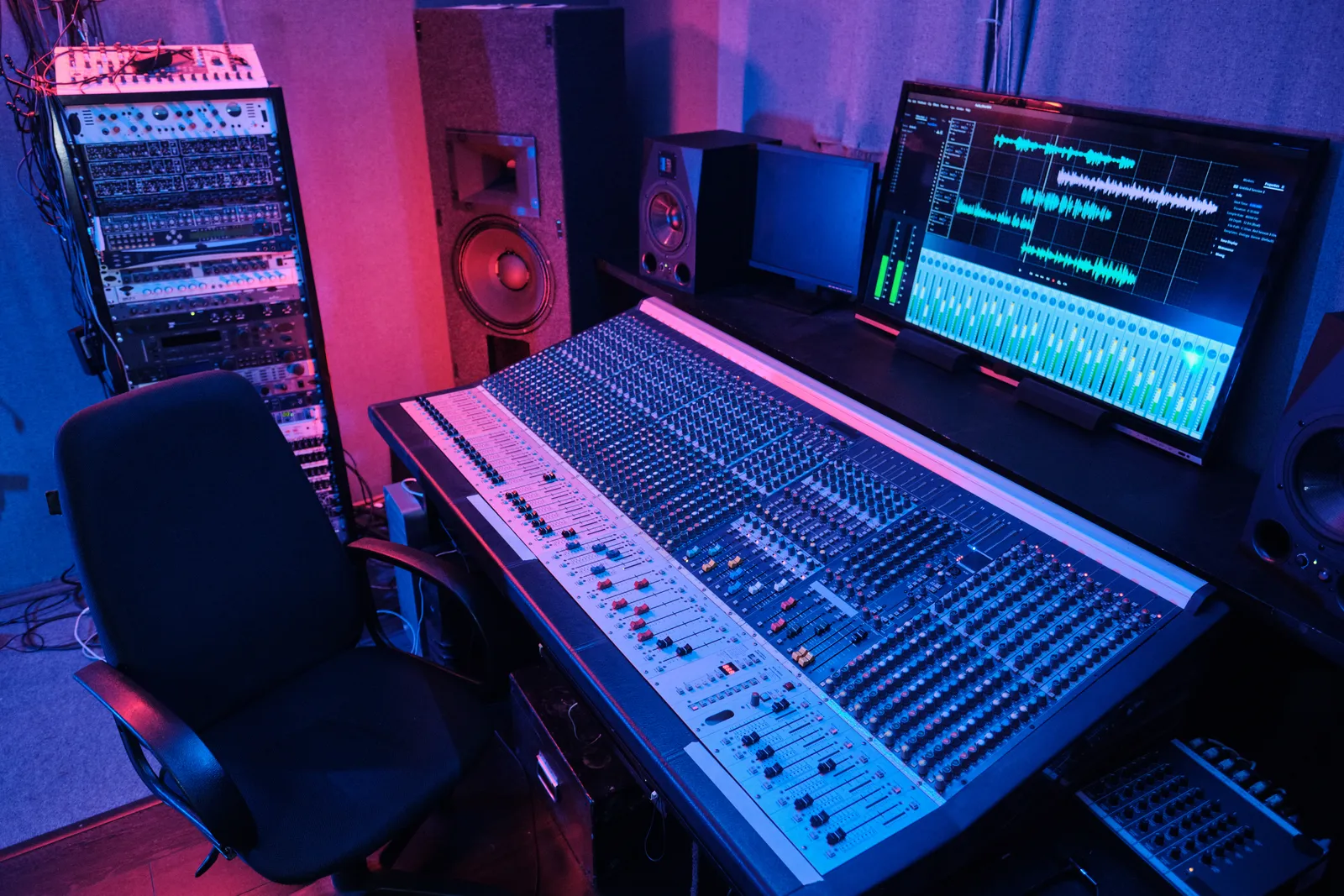
If you're reading this, you're probably staring at a mouse cursor and wondering why mixing 48 tracks with a pointer still feels like surgery with oven mitts. A dedicated DAW control surface bridges the gap between your software and your hands — giving you tactile, multi-point control that a mouse and keyboard can't replicate.
This guide breaks down every category, compares the top hardware in 2026, and helps you pick the right controller for your workflow and budget.
TL;DR
- A control surface for DAW gives you physical faders, knobs, or touch interaction mapped directly to your mixer, plugins, and transport.
- Three main types exist in 2026: motorized faders, touchscreen surfaces, and hybrids that combine both.
- Budget ranges from $50 (single-fader USB units) to $5,000+ (large-format touch consoles).
- The new ultra-wide touchscreen category (led by TouchDaw) delivers console-style layouts at a fraction of legacy pricing.
What Is a DAW Control Surface?
A DAW control surface is hardware that communicates with your digital audio workstation to give you real-time, hands-on manipulation of parameters you would otherwise click one at a time. Unlike an audio interface, it does not process sound. Unlike a MIDI keyboard, its primary job is mixing and arrangement control — not note input.
Modern control surfaces speak HUI, MCU (Mackie Control Universal), or proprietary protocols over USB, Ethernet, or Wi-Fi. The best ones integrate so tightly that your DAW treats them like a native extension of its mixer window.
Why Producers Use Them
- Speed. Adjusting eight faders simultaneously beats soloing channels one by one.
- Muscle memory. Physical positions create spatial recall that flat screens can't.
- Ear over eye. When your hands know the layout, you mix with your ears instead of watching meters.
Types of DAW Control Surfaces
Motorized Fader Controllers
The classic. Physical 100mm faders that move on their own to reflect your DAW's automation. When you switch banks, the faders snap to their stored positions.
Strengths: Tactile feedback, proven workflow, excellent for automation riding.
Weaknesses: Mechanical parts wear over time, limited channel count per unit (usually 8 or 16), no visual feedback beyond small scribble strips.
Popular picks: SSL UF8, Icon Platform M+, PreSonus FaderPort 8/16.
Touchscreen DAW Control Surfaces
A display you interact with directly. No moving parts. The screen renders faders, knobs, meters, and even plugin GUIs that you manipulate with your fingers.
Strengths: Infinite layout flexibility, zero mechanical wear, visual feedback built in, faster to reconfigure.
Weaknesses: No physical detent or resistance (though haptic feedback is improving), requires a quality display with low latency touch.
Popular picks: Slate RAVEN, TouchDaw.
Hybrid Controllers
Combine a small touchscreen with physical encoders, buttons, or a few motorized faders. The screen handles visual feedback while the hardware handles the precision work.
Strengths: Best of both worlds for detail-oriented users.
Weaknesses: Higher cost, more complex setup, bulkier footprint.
Popular picks: Avid S1 + iPad workflow, SSL UF8 paired with a tablet.
Best DAW Control Surface Options in 2026
Here is how the leading hardware stacks up across the metrics that actually matter in a working studio.
| Controller | Type | Faders/Channels | DAW Support | Street Price | Form Factor |
|---|---|---|---|---|---|
| SSL UF8 | Motorized | 8 motorized | All major (HUI/MCU) | $1,199 | Desktop unit |
| PreSonus FaderPort 16 | Motorized | 16 motorized | All major (HUI/MCU) | $999 | Desktop unit |
| Icon Platform M+ | Motorized | 8 motorized | All major (MCU) | $499 | Desktop unit |
| Slate RAVEN MTi2 | Touchscreen | Unlimited (software) | Pro Tools, Logic, others | $1,999 | Vertical 27" monitor |
| TouchDaw | Touchscreen | Unlimited (software) | All major DAWs | $50 - $190 | Ultra-wide horizontal (38" x 10") |
SSL UF8
The industry benchmark for DAW control surface motorized faders. Eight Alps faders, DAW-specific overlays, rock-solid MCU/HUI implementation. At $1,199 per unit (and most serious users want two), the cost adds up fast for a full 16+ channel spread.
Best for: Mixers who want premium motorized faders and don't mind the per-channel cost.
PreSonus FaderPort 16
Sixteen channels of motorized faders in a single chassis under $1,000. Studio One integration is best-in-class, though MCU mode works with everything else. Build quality is solid for the price.
Best for: Studio One users and anyone who wants 16 motorized faders without spending SSL money.
[link to: motorized-fader-daw-controller]
Icon Platform M+
Budget-friendly motorized fader option with decent build quality. Expandable with extenders. The $499 entry point makes it the most accessible motorized surface worth buying.
Best for: Home studios that want motorized faders at the lowest viable price point.
Slate RAVEN MTi2
The original touchscreen DAW control surface that proved large-format touch mixing works. A 27" vertical multi-touch monitor running Slate's RAVEN software on top of your DAW.
Caveats: Mac only, requires iLok, $1,999+ entry, vertical monitor orientation means you're reaching upward rather than across.
Best for: Pro Tools mixers on Mac who want visual-forward mixing and have the budget.
[link to: slate-raven-review]
TouchDaw
A new category: the ultra-wide horizontal touchscreen built specifically as a USB DAW control surface. At 38 inches wide and 10 inches deep, it lays flat on your desk (or at a slight angle) like a real analog console.
What sets it apart:
- $50 to $190 — a fraction of any comparable surface.
- Plug and play USB-C. No drivers, no iLok, no network configuration.
- Mac + Windows from day one. Universal DAW compatibility.
- Horizontal console layout. Your hands move left-to-right across a channel strip, not up toward a vertical screen.
- No moving parts. Nothing to wear out or service.
The ultra-wide aspect ratio means you get a full console overview — 16, 24, or 32 channels visible simultaneously — without craning your neck at a vertical monitor. It lives in the same physical space where a traditional console's channel strip section would sit.
Pro Tip: If you have been using a tablet as a makeshift control surface, test it in your mix position for a week. You will immediately feel why a purpose-built horizontal form factor with 38 inches of width changes the ergonomics. That is exactly the problem TouchDaw solves at a price point lower than most single-fader motorized controllers.
How to Choose the Best DAW Control Surface for Your Studio
1. Define Your Primary Workflow
Are you riding automation across stems? Motorized faders excel. Are you recalling complex plugin settings and switching layouts constantly? Touchscreen wins. Do both? Consider a hybrid or a touchscreen wide enough to simulate physical channel groupings.
2. Count Your Channels
If you regularly mix 24+ tracks, an 8-fader motorized surface means constant bank switching. A touchscreen surface can display all channels simultaneously, eliminating the cognitive overhead of "where am I in the mixer?"
3. Check DAW Compatibility
Most modern surfaces support MCU/HUI, which covers Logic, Pro Tools, Cubase, Ableton, Studio One, Reaper, and FL Studio. But some (like RAVEN) have deeper integration with specific DAWs. Verify your DAW is fully supported before buying.
4. Measure Your Desk
This sounds obvious, but a 16-fader motorized surface is 2+ feet wide. A Slate RAVEN needs monitor arm space and viewing distance. An ultra-wide horizontal surface like TouchDaw needs roughly 38 inches of width but only 10 inches of depth — less depth than most motorized controllers.
5. Set a Realistic Budget
| Budget Range | Best Option Category |
|---|---|
| Under $200 | Single-fader USB controllers, TouchDaw |
| $200 - $600 | Icon Platform M+, small motorized units |
| $600 - $1,200 | SSL UF8, PreSonus FaderPort 16 |
| $1,200 - $2,500 | Slate RAVEN, dual SSL UF8 |
| $2,500+ | Large-format consoles, Avid S-series |
6. Consider Longevity
Motorized faders have mechanical lifespans. Touchscreens don't wear out from finger contact. Factor in long-term maintenance and replacement costs — especially if you mix daily.
Frequently Asked Questions
What is the difference between a DAW control surface and a MIDI controller?
A MIDI controller sends note and CC data — it's designed for playing instruments and triggering clips. A DAW control surface speaks protocols like MCU or HUI that directly map to your mixer's faders, pans, sends, and transport. The control surface mirrors your DAW's mixer state; a MIDI controller does not.
Do I need a control surface if I already have a stream controller like Elgato?
Stream controllers handle button-press commands well (record, play, mute toggles) but can't replicate continuous fader movement, smooth pan sweeps, or multi-channel simultaneous adjustment. They complement a control surface but don't replace one.
Can a touchscreen DAW control surface replace motorized faders?
For most workflows, yes. Modern touchscreen surfaces offer visual fader strips you move with your fingers. You lose the physical resistance of a motorized fader, but you gain unlimited channels, instant layout changes, and zero mechanical maintenance. Many engineers who switched to touch report faster mix recalls and less arm fatigue on long sessions.
Is a USB DAW control surface reliable enough for professional sessions?
Absolutely. USB connectivity is deterministic and low-latency for control data (not audio). A USB DAW control surface avoids the network configuration headaches of Ethernet-based systems and works on any machine with a USB port. For live and studio use, USB remains the most universally reliable connection.
How many faders do I actually need?
It depends on session size. Eight physical faders work for stem mixing and small sessions (under 16 tracks). For full mix sessions with 32+ tracks, you either need 16+ physical faders (expensive) or a touchscreen surface that displays all channels without bank switching.
What is the best DAW control surface in 2026 for under $500?
The Icon Platform M+ ($499) leads the motorized fader category at this price. For a touchscreen approach, TouchDaw ($50-$190) delivers a wider mixing surface with unlimited channels and no moving parts — at significantly less cost than any motorized alternative in this range.
The Bottom Line
The best DAW control surface 2026 is the one that matches your workflow, fits your desk, and does not fight your budget. Motorized faders remain king for automation riding and tactile precision. Touchscreens are winning on flexibility, channel count, and total cost of ownership.
The market is splitting: legacy hardware at premium prices on one side, and new ultra-wide touch-first designs on the other. Wherever you land, getting your hands off the mouse and onto a dedicated surface is the single biggest workflow upgrade most producers have not made yet.
Stop clicking. Start mixing.