Digital Mixing Console vs Analog: 2026 Definitive Guide
The debate between a digital mixing console vs analog gear has been running for decades. If you're trying to choose your studio setup, the honest answer isn't cut and dried - it depends entirely on what you're trying to accomplish. Both approaches have real, measurable advantages. Neither one is right for every situation.
This guide breaks down the actual differences in sound, workflow, cost, and practicality so you can make an informed decision rather than following received wisdom from gear forums.
TL;DR:
- Analog consoles impart natural harmonic character and tactile, hands-on workflow
- Digital consoles offer instant session recall, unlimited routing flexibility, and lower cost
- The sound quality gap has narrowed significantly - most listeners can't reliably distinguish them
- A hybrid approach - mixing in a DAW with a physical touch controller - delivers the best of both worlds
What Sets Analog Consoles Apart
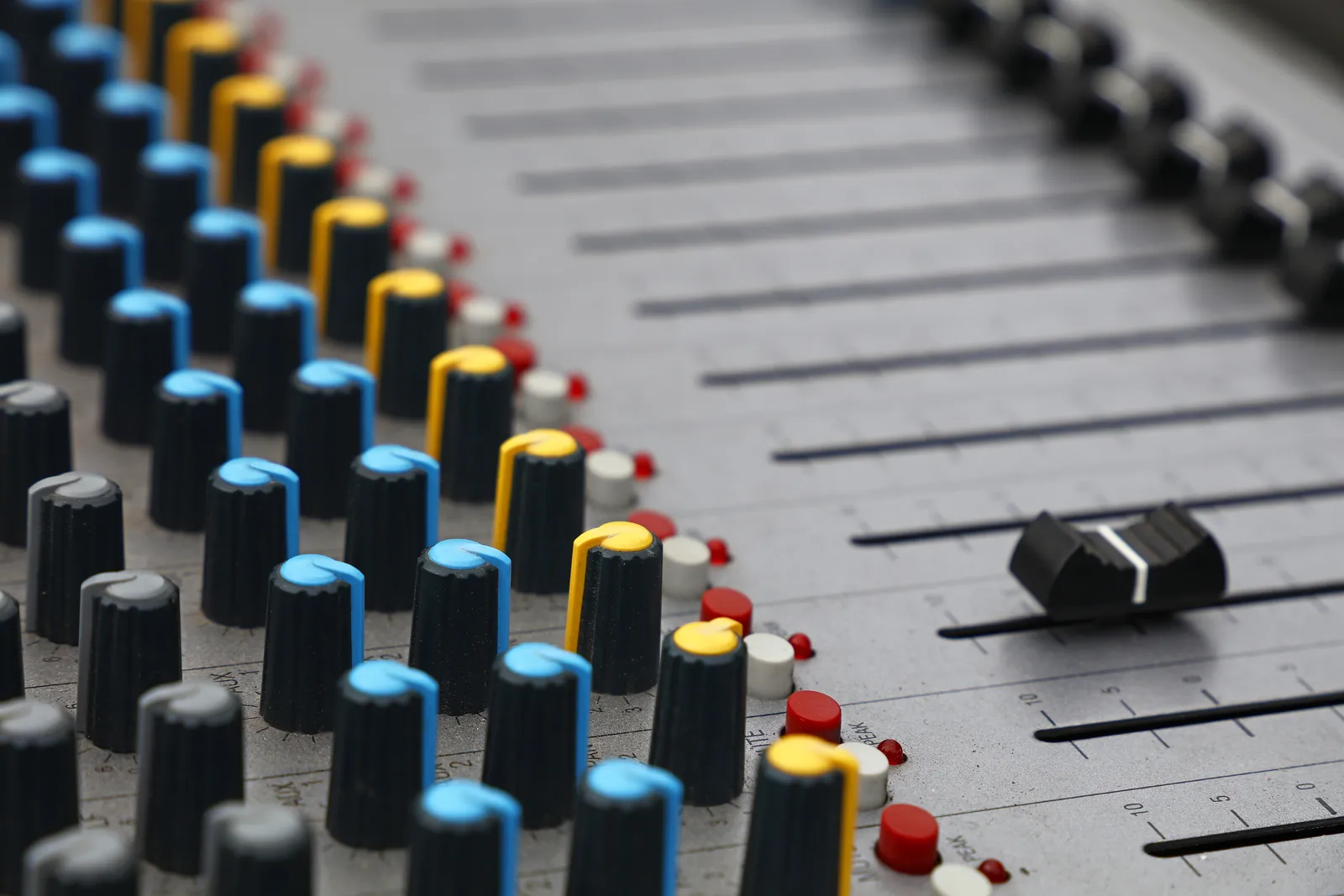
The appeal of analog mixing isn't pure nostalgia. When audio runs through real transformers, capacitors, and op-amps before any digital conversion, those components shape the signal in ways that are genuinely difficult to fully replicate in software.
Harmonic saturation is the main sonic difference. Analog electronics introduce low-order harmonics - particularly second and third harmonic distortion - that most engineers find musically pleasant. The effect is subtle on any single channel, but across a full mix it contributes to what engineers call "warmth" or "glue." You can hear why a vintage analog mixing console with transformer-coupled inputs produces a different character than a clean digital summing bus.
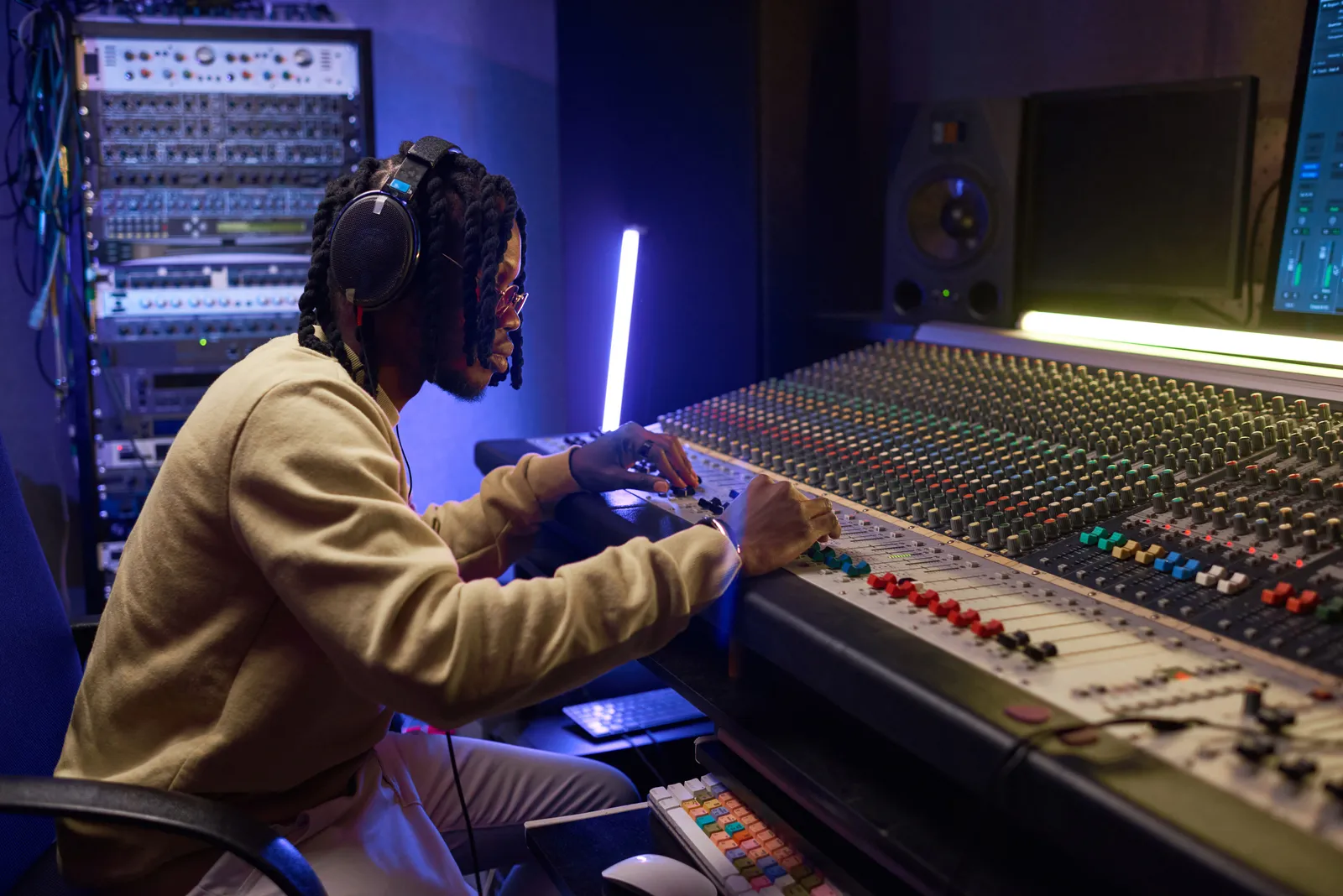
Tactile workflow is the other advantage that doesn't get enough discussion. On an analog console, every channel has its own physical fader, EQ, and send controls. You can adjust four channels at once. Your hands know where everything is without looking. For engineers who grew up on physical desks, that muscle memory is real and the productivity benefit is measurable.
Zero in-console latency is the third advantage. Every signal path in an analog console is continuous electrical current - the console itself introduces no processing delay.
The trade-offs are significant. Analog consoles don't have session recall. When you close a session, you photograph every knob, write down every value, or accept that the settings are gone. For client work with revisions, this is a serious operational problem. Physical consoles also require periodic calibration and component maintenance - a vintage console sounds great but represents an ongoing relationship with a technician.
Sound On Sound covers large-format analog console workflows in depth, including how commercial studios integrate these desks into modern hybrid productions.
What Digital Mixing Consoles Actually Offer
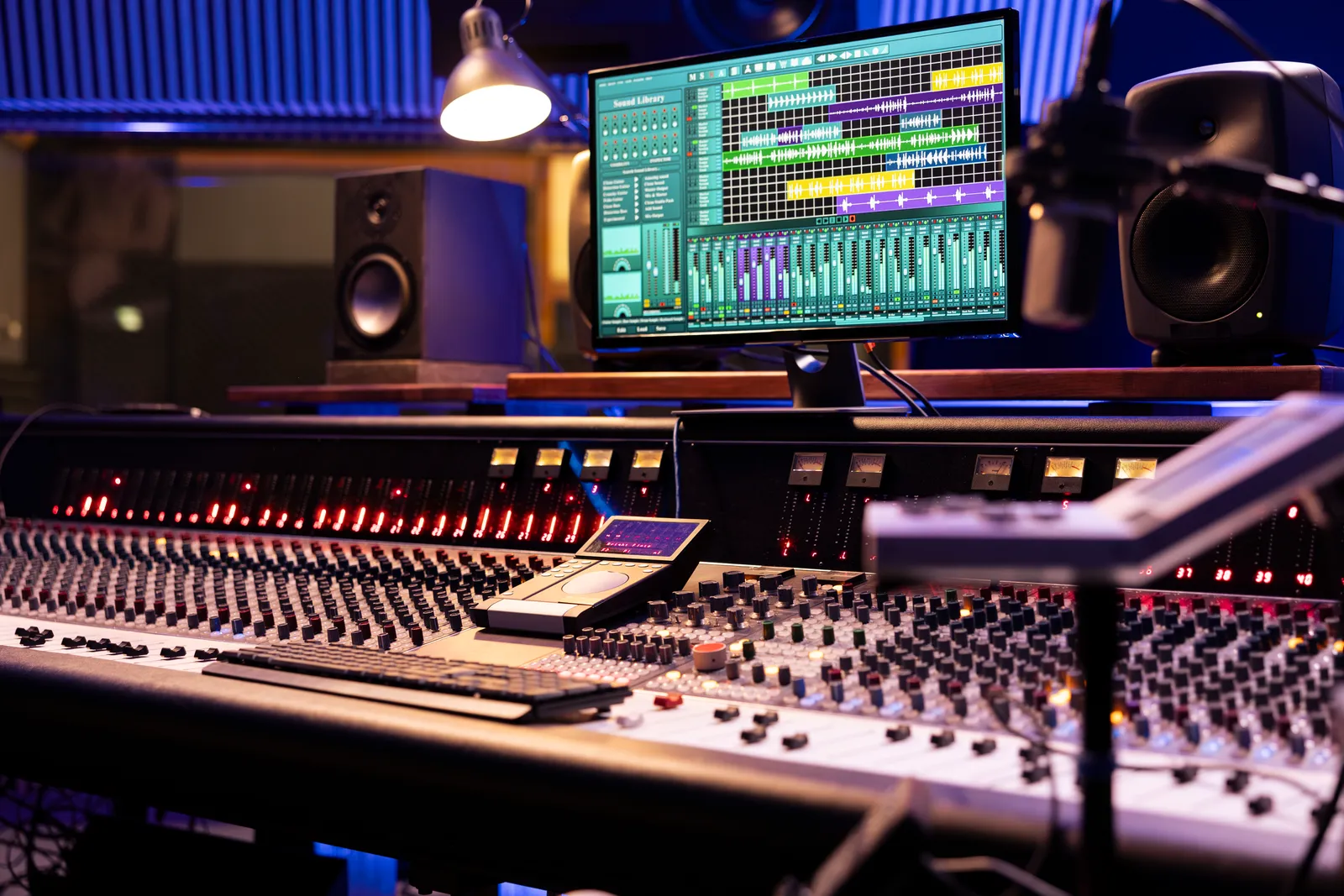
A digital mixing console - whether a standalone hardware unit or a DAW mixing environment - operates on entirely different principles, with different strengths.
Instant, perfect session recall is the defining advantage. Close a session, come back a year later, and your mix is exactly as you left it. Every gain value, every EQ curve, every plugin setting is stored numerically and reproduced identically. For any engineer doing revisions, multi-day sessions, or client mix work, this alone justifies digital.
Routing flexibility in digital is essentially unlimited. Buses, groups, parallel processing chains, complex sends - digital mixing handles routing that would require physically impossible hardware configurations on an analog desk. Sidechaining, multi-bus compression, stem mixes, and complex monitor setups are all routine operations.
Consistency. A digital gain of -3.2 dB is always exactly -3.2 dB. An analog gain knob at a given position will vary slightly day to day as components drift with temperature and age.
Cost. An entry-level professional analog console starts at several thousand dollars for something worth using. A capable audio interface, a DAW license, and quality plugins runs a fraction of that. The economics favor digital by a wide margin for anyone building a new studio from scratch.
What digital doesn't naturally provide is the harmonic character of analog electronics and the immediate physical workflow of having every control under your hands simultaneously. Plugins can approximate the character - modern analog modeling has gotten very good - but the tactile gap is harder to close with software alone.
Digital Mixing Console vs Analog: Sound Quality in 2026
This question used to generate more heat than it does now. The honest assessment in 2026:
For raw technical performance - frequency response, dynamic range, noise floor - modern digital converters and processing are exceptional. Quality digital systems capture and reproduce audio with greater technical accuracy than most analog signal chains. iZotope's learning resources cover the technical underpinnings of digital audio processing in useful detail.
What analog adds is deliberate imperfection: transformer saturation, gentle tape-style compression on transients, the interaction between channels in an analog summing bus. These aren't defects - they're character. Genres built around the sound of specific hardware (classic R&B, hard rock, vintage jazz) have a relationship with analog character that's genuinely hard to replicate completely.
The practical question is whether the difference is audible in your context. On consumer headphones or laptop speakers, probably not. On full-range monitoring in a treated room, an experienced engineer can sometimes identify the difference - but "different" doesn't automatically mean "better" for every application.
The honest consensus: digital can produce results that compete with analog across nearly every genre. The workflow and economic advantages of digital usually outweigh any subtle sonic difference, particularly for home and project studios. Tape Op has documented many of these comparisons through candid interviews with engineers who've worked professionally in both environments.
| Factor | Analog Console | Digital Console / DAW |
|---|---|---|
| Sound character | Natural harmonic saturation, transformer color | Transparent; character added via plugins |
| Session recall | Manual (photos, notes, automation tape) | Instant, perfect |
| Routing flexibility | Fixed by physical hardware | Nearly unlimited |
| In-console latency | Zero | Buffer-dependent |
| Entry cost | $5,000+ for a usable console | $500-2,000 for interface + DAW |
| Maintenance | Regular calibration and repairs | Software updates |
| Portability | Studio-bound | DAW travels with you |
Workflow and Recall: Where the Real Difference Lives
Most engineers with real experience in both worlds will tell you the bigger daily difference isn't sound - it's workflow and recall. The mixing in the box vs console debate often comes down to how you interact with your mix spatially and how much your session workflow depends on recall.
Mixing in the box with a mouse and keyboard is productive but cognitively different from mixing on a physical console. On a console, your awareness of the full mix is spatial - you can see and feel the relative position of every fader. With a standard DAW interface, you're scrolling, clicking, and managing windows. It's not worse, but it's different.
The recall advantage matters most in commercial contexts. Mix revisions are a reality of professional work. When a client calls three weeks after delivery asking for a tweak, the analog vs digital mixing difference in that scenario is stark. Digital recalls the exact session state in seconds. Analog requires either photographing every control or rebuilding the setup by ear.
For studios doing tracked sessions over multiple days, the ability to store and recall complete console states between days is transformative. No more marking console positions with tape.
Check our detailed breakdown of analog vs digital mixing approaches for more on how these workflow differences play out in real sessions.
Live Sound vs Studio Recording
The context of your work significantly changes which approach makes sense.
For live sound, digital consoles dominate for good reason. Scene recall lets you save and reload complete show configurations for different performers. Network control from tablets allows engineers to walk the room. Routing flexibility handles complex stage setups, monitor mixes, and broadcast feeds simultaneously. No professional touring company is running large-format live shows on vintage analog desks - the operational demands make digital the only practical answer.
For studio recording and mixing, the balance is more even. High-end recording studios sometimes use analog summing amplifiers or hybrid signal chains - tracking digitally, then mixing through hardware analog gear. Home and project studios have moved largely to all-digital setups because the cost and maintenance of analog hardware isn't justified for most applications.
The mixing console vs audio interface decision also factors in here for engineers at the entry level. For a fuller breakdown of that specific choice, our guide to recording studio mixing console setups covers where each type of hardware belongs in a workflow.
The Hybrid Approach: Physical Control for Digital Mixing
The strongest practical answer to the digital mixing console vs analog debate isn't choosing sides - it's combining the best parts of each.
Mixing digitally with physical control hardware gives you complete recall and routing flexibility while restoring the tactile workflow that console engineers miss. A DAW control surface translates your DAW's fader positions to motorized physical faders that move when automation runs and respond naturally when you touch them.
Traditional control surfaces give you a vertical row of faders - functional, but not quite how a wide-format console feels. The horizontal console experience - where all your channels spread out in front of you in a natural left-to-right layout - is harder to replicate with a narrow controller.
TouchDaw addresses this directly. Its 38"x10" ultra-wide display lays flat on your desk, giving you a panoramic view of your DAW mixer across a wide horizontal plane that mimics a real console layout. You can touch multiple channels simultaneously, swipe through sections, and work with the spatial awareness that console engineers' workflows are built around - at a price point well below even entry-level analog console territory. It connects via USB-C, works on Mac and Windows, and doesn't require iLok or complex software installation.
For a complete breakdown of DAW controller options at different price points, our DAW control surface guide covers the full range.
Choosing Between Digital and Analog: Questions to Ask
Before spending money in either direction, work through these questions honestly:
What's your primary use case? Live sound points strongly toward digital. Studio mixing can go either way depending on genre and workflow preferences.
Do you need session recall? If you're doing client work, revisions, or sessions spanning multiple days, the answer is yes. Digital wins here without contest.
What's your realistic total budget? A usable analog console, the outboard gear to support it, maintenance, and the space to house it represents a substantial investment. Quality digital setups cost dramatically less.
How do you think spatially when you mix? Some engineers produce better results with physical faders under their hands. If that describes you, a hybrid digital setup with a control surface might deliver better practical results than a mouse-only DAW environment - without the recall limitations of pure analog.
What does your client workflow require? Commercial sessions with revision cycles need recall and flexibility that analog makes difficult. Home producers with full creative control have more flexibility to choose based on preference.
Pro Tip: Before investing in an analog console, spend 30 days mixing with a quality DAW control surface. Many engineers find that physical faders close most of the workflow gap they were trying to solve with analog hardware - without sacrificing any of digital's recall or routing advantages.
FAQ
Is a digital mixing console better than analog?
Neither is objectively better for all situations. Digital consoles offer instant session recall, flexible routing, and lower cost. Analog consoles provide natural harmonic character and a physical workflow. Most engineers choose digital for practical reasons, then use saturation plugins to add analog-style coloration.
Do analog mixing consoles sound better than digital?
Analog consoles introduce subtle harmonic saturation and transformer color that many engineers prefer for specific genres. Modern digital systems are technically more accurate in terms of frequency response and noise floor. In blind listening tests, the difference is often smaller than expected, and quality plugins can approximate much of the analog character.
What is the difference between mixing in the box vs console?
Mixing in the box means doing all signal processing inside a DAW using software plugins, with no external analog hardware in the audio path. Console mixing routes audio through a physical desk, either analog or digital standalone hardware. In-the-box mixing has become the standard approach for most home and project studios due to its cost, recall, and flexibility advantages.
Can a digital console replace an analog console for studio work?
For most studio applications, yes. Digital consoles offer superior recall and routing at lower cost and without maintenance overhead. The main things digital can't fully replicate are the natural summing character of analog electronics and the physical feel of working on a hardware desk. DAW control surfaces address the tactile workflow gap.
What are the disadvantages of an analog mixing console?
Analog consoles require manual session recall procedures such as photographing every knob position, have routing limited by physical hardware, need regular maintenance and calibration, and cost significantly more than digital equivalents. Large-format consoles also require dedicated studio space and climate-controlled environments to stay in calibration.
Is digital or analog mixing better for a home studio?
Digital is the practical choice for home studios. The cost, space, and maintenance requirements of a real analog console are difficult to justify in most home setups. A DAW with quality converters, good plugins, and optionally a physical control surface delivers professional-quality results without the overhead.
What is a hybrid mixing setup?
A hybrid mixing setup combines digital recording and in-the-box processing with physical or analog hardware at key points in the signal chain. Common configurations include tracking digitally then mixing through analog outboard gear, using a hardware control surface for tactile fader control over a digital DAW, or routing mix buses through analog summing amplifiers.
The digital vs analog mixing console question doesn't have a universal answer - but for most engineers working today, digital offers enough practical advantages that it's the sensible default starting point, with analog hardware added where it genuinely serves the music rather than just the mythology.