Mixing Console vs Audio Interface: Which Do You Actually Need?
The mixing console vs audio interface question burns through forums every week, and for good reason — these two devices look like they belong in the same category but do fundamentally different jobs. Buy the wrong one and you've spent hundreds (or thousands) on gear that doesn't solve your actual problem.
Here's the short version: an audio interface converts sound between analog and digital. A mixing console routes, sums, and controls levels across multiple channels. They overlap because some consoles include built-in interfaces, and some interfaces include basic mixing features. This guide untangles all of it so you spend money on what your studio actually needs.
TL;DR
- An audio interface is your audio I/O — it converts mic/line signals to digital and sends them to your DAW. Every recording setup needs one.
- A mixing console routes multiple signals, controls levels with faders, and can sum channels to a stereo bus. Not every setup needs one.
- For most home studios, an interface alone covers recording and mixing inside the DAW.
- You need a console when you're doing live sound, analog summing, managing hardware inserts, or running large multi-source sessions.
- A third option exists: a DAW controller gives you the hands-on feel of a console without an analog signal path — just tactile control over your software mixer.
What Each Device Actually Does
Audio Interface
An audio interface sits between your microphones, instruments, and speakers on one side and your computer on the other. Its core job is analog-to-digital (AD) and digital-to-analog (DA) conversion. It digitizes the signal from your mic preamp and sends it to your DAW over USB or Thunderbolt. On the way back out, it converts your DAW's digital mix to analog so your monitors can play it.
Key functions: AD/DA conversion at a given sample rate and bit depth, mic preamps (most interfaces include 2-8), headphone monitoring, and low-latency monitoring for tracking.
An interface doesn't sum channels, route signals between hardware, or give you physical faders for mixing. It's a converter and preamp package.
Mixing Console
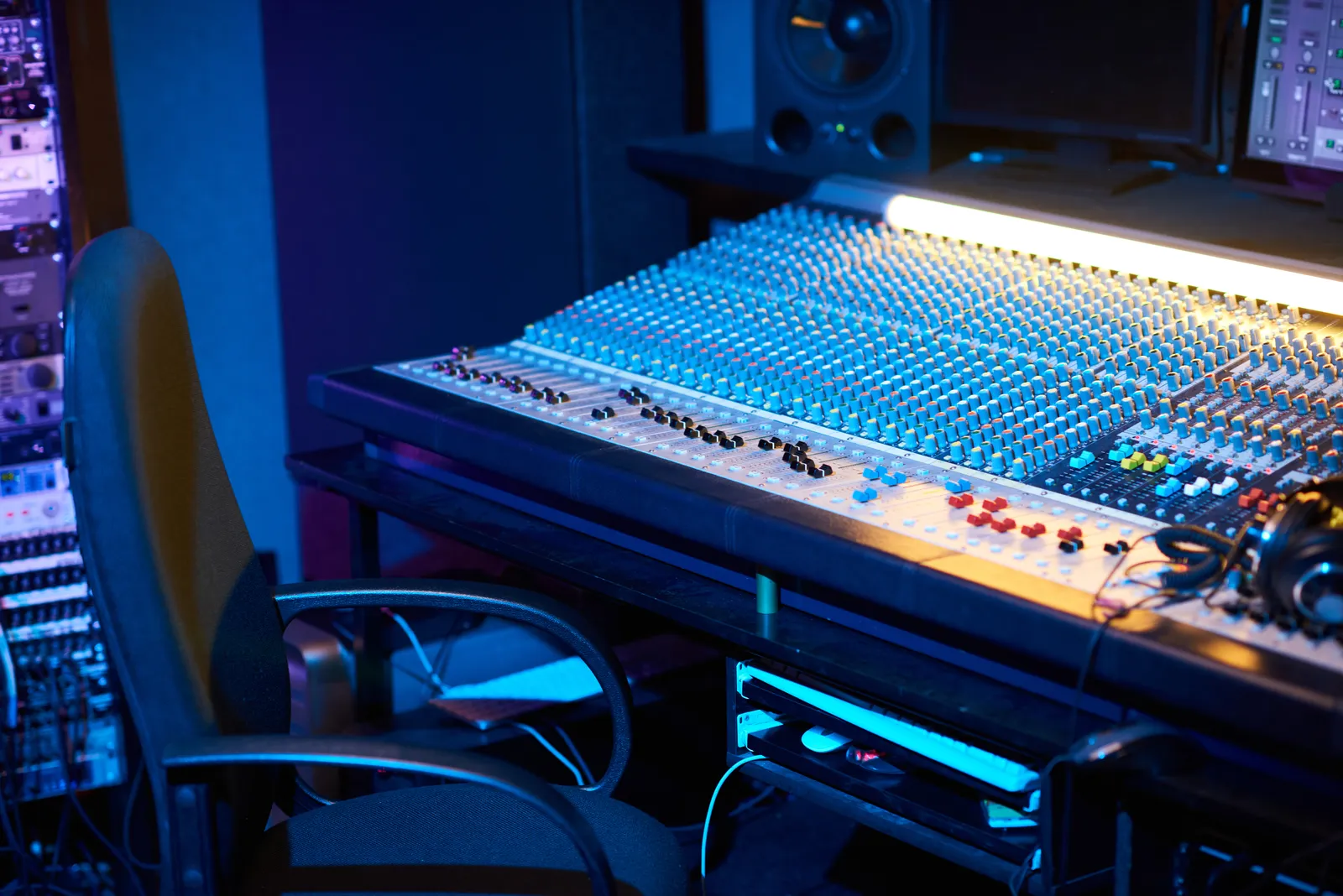
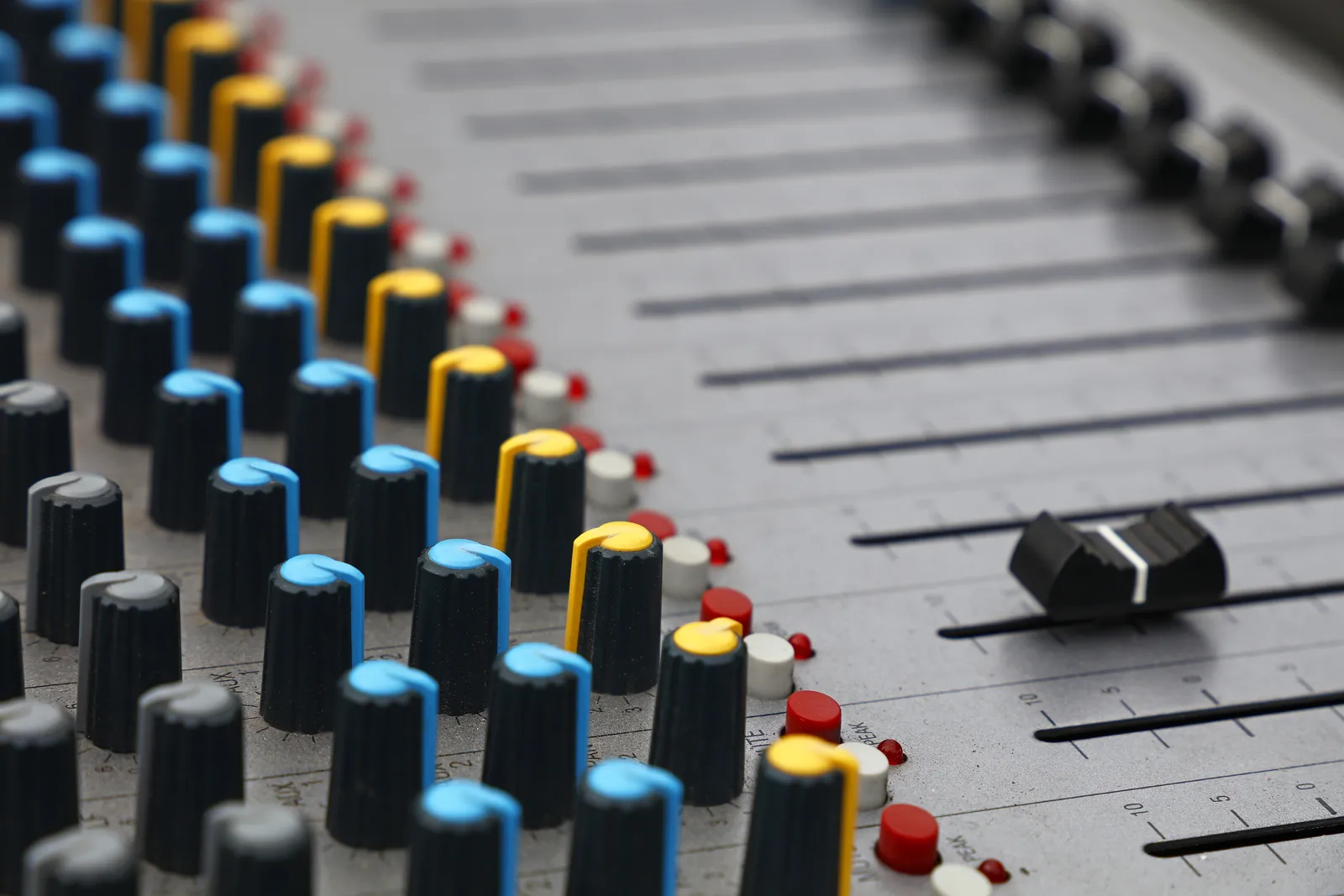
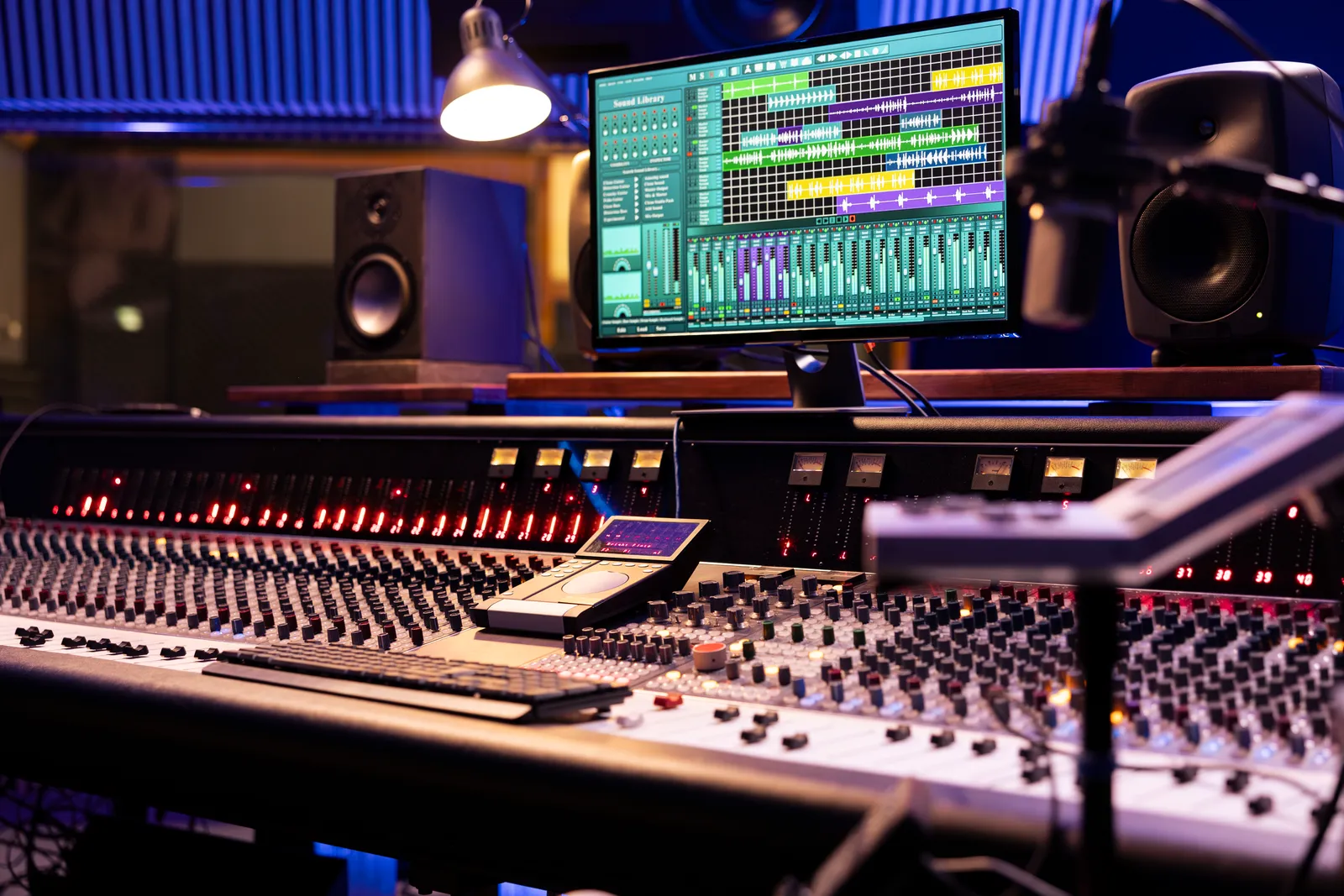
A mixing console (also called a mixer or desk) is a signal-routing and level-control device. Each channel strip typically includes a preamp, EQ, aux sends, a fader, and pan control. The console sums all channels down to a stereo (or surround) output bus.
Key functions: signal routing across dozens or hundreds of channels, level control via physical faders, onboard EQ and dynamics per channel, aux sends for monitor mixes and effects loops, and analog summing in the analog domain before conversion.
A traditional analog console doesn't digitize audio. You still need an interface (or built-in converters) to get signal into your DAW. Some digital consoles bundle both functions together, which is partly why the difference between mixer and audio interface confuses people.
When You Need an Audio Interface Only
If any of these describe your setup, an interface without a console is probably the right call.
Solo Producer or Bedroom Studio
You're recording one or two sources at a time — a vocal, a guitar DI, a synth stereo out. A two-to-four channel interface handles that. Your DAW's mixer gives you unlimited channels, automation, plugin processing, and recall. A physical console adds cost and complexity here without solving a real problem.
Mixing Entirely in the Box
If you mix with plugins and never route audio through outboard gear, a console's signal path has nothing to contribute. Your interface feeds your monitors and headphones; your DAW does everything else. This is how most modern productions get mixed — iZotope's mixing guides are full of professional techniques that assume an entirely in-the-box workflow.
Budget Is Limited
A quality two-channel interface costs $100-400. An analog console with comparable preamps starts around $1,500 and climbs fast. If you're choosing between a good interface and a cheap mixer, the interface wins because converter quality directly affects everything you record and hear back. Our home recording studio equipment guide covers where to allocate budget when you're building out a setup from scratch.
When You Need a Mixing Console
Consoles aren't dead — they solve specific problems that interfaces and DAWs can't.
Live Sound
A front-of-house engineer needs to route dozens of inputs to multiple output buses in real time, with physical faders for instant level adjustments. Digital live consoles from Allen & Heath, Yamaha, and Midas combine mixing, routing, and processing in a single unit.
Analog Summing
Some engineers prefer the sound of analog summing — combining multiple DAW outputs through a console's mix bus before converting back to digital. Whether the sonic difference justifies the cost is a long-running debate, but engineers who want it need a console or dedicated summing mixer.
Hardware Insert Chains
If you own outboard compressors, EQs, or effects and want to patch them across multiple channels simultaneously, a console's insert points and patchbay integration make that workflow practical. Doing it with a multi-output interface is possible but clumsy beyond a few channels.
Large Multi-Source Sessions
Recording a full band — drums (8+ mics), bass, guitars, keys, vocals — can mean 16-24 simultaneous inputs. A console handles gain staging, headphone mixes, and talkback that would otherwise require a much larger interface plus a separate headphone amp system.
When You Need Both
Hybrid studios use a console and an interface together. The console handles signal routing, analog summing, and hardware inserts. The interface handles AD/DA conversion between the console and the DAW.
This is common in professional studios where the engineer wants analog character during tracking, plugin flexibility during mixdown, and physical fader control throughout.
The cost adds up fast. A mid-tier analog console runs $5,000-20,000, and a multi-channel interface adds $1,000-5,000 on top — before cabling and maintenance. For studios generating client revenue, the investment makes sense. For home producers, it rarely does.
Comparison Table
| Interface Only | Console + Interface | DAW Controller + Interface | |
|---|---|---|---|
| Audio I/O | Yes | Yes (via console or separate interface) | Yes (interface handles it) |
| Physical faders | No | Yes (analog signal path) | Yes (controls DAW faders, no audio through them) |
| Analog summing | No | Yes | No |
| Hardware inserts | Limited | Yes (patchbay integration) | No |
| Plugin mixing | Full DAW capability | Full DAW capability | Full DAW capability |
| Channel count | Limited by interface I/O | Limited by console size | Unlimited (software) |
| Recall | Total (DAW saves everything) | Partial (analog settings are manual) | Total (DAW saves everything) |
| Typical cost | $100-2,000 | $5,000-50,000+ | $150-2,000 |
| Desk footprint | Small | Large | Small to medium |
| Best for | Solo/small studios, ITB mixing | Professional studios, hybrid workflows | Anyone wanting tactile control without analog path |
The Modern Alternative: DAW Controllers
Here's where the mixing console vs audio interface debate misses a third option that solves the real pain point for most home producers.
The reason people search for consoles isn't always about analog summing or hardware inserts. Often, it's about feel — they want faders under their hands, a wide channel layout they can see at a glance, and the ability to move multiple controls simultaneously. They want the console experience, not the console's signal path.
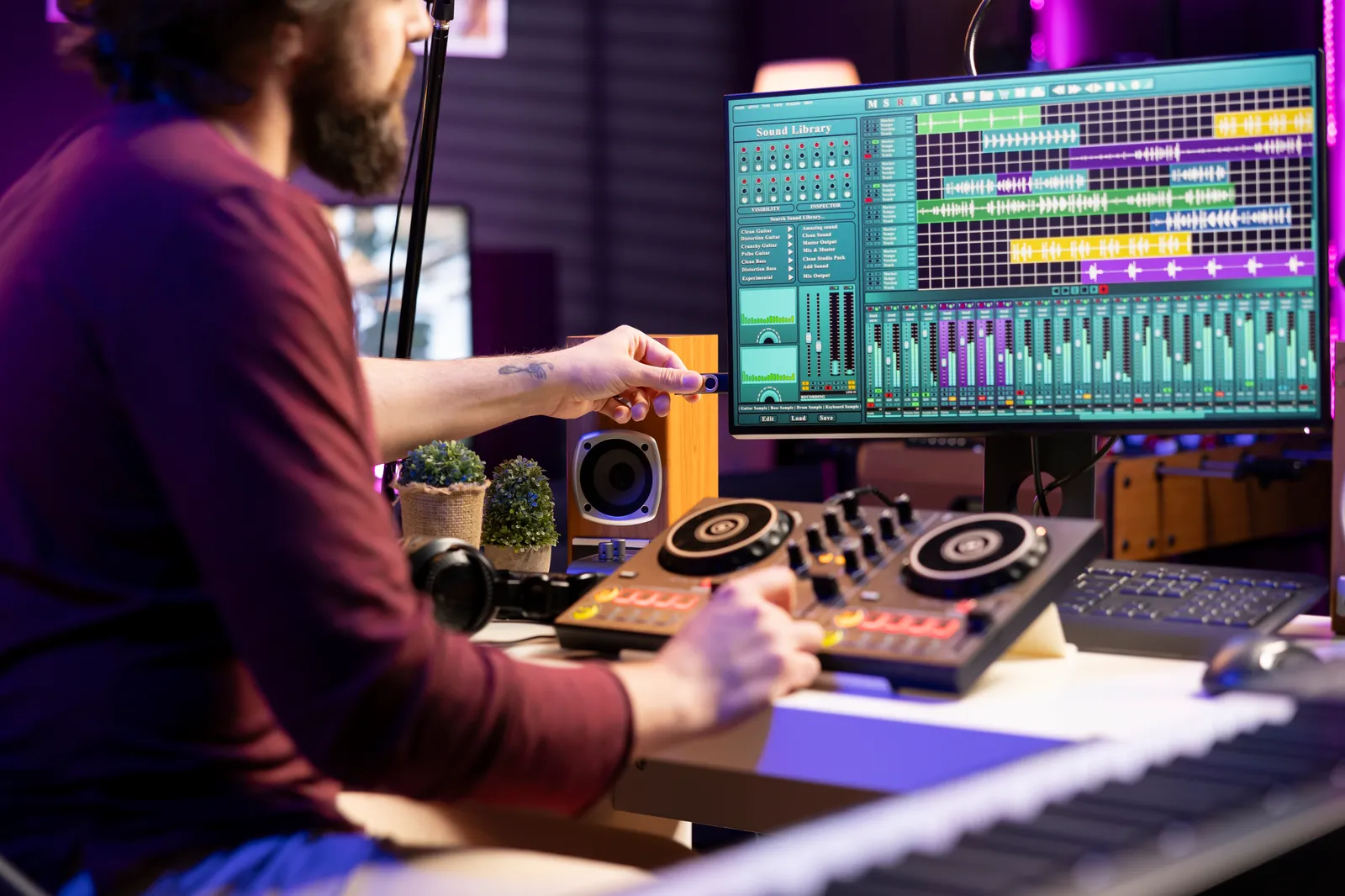
A DAW controller delivers exactly that. It controls your DAW's mixer — faders, pans, sends, mutes, transport — without passing audio through it. Your interface still handles all the audio I/O. The controller gives you hands-on mixing.
You keep your existing interface for recording and monitoring. You add a controller that maps to your DAW's mixer. Push a fader up on the controller, the corresponding fader moves in your DAW. You get the spatial, tactile workflow that consoles provide — multi-fader adjustments, muscle memory, ears over eyes — without buying into an analog signal path you may not need. Sweetwater's control surface category gives a good overview of what's available, from motorized-fader units at $500-1,200 to touchscreen alternatives.
TouchDaw: Console Feel at Interface Prices
TouchDaw takes the controller concept further with an ultra-wide (38" x 10") horizontal touchscreen that lays flat on your desk — the same position where a console's channel strip section would sit. Full console-width layout, 16 to 32 channels visible at once, fingers moving across faders exactly as they would on a real desk.
- $50-190 vs $5,000+ for even a modest analog console
- No audio passes through it — your interface handles conversion and monitoring
- Total recall — every setting lives in your DAW session
- No maintenance — no mechanical faders to replace, no pots to clean
- Mac + Windows, USB-C plug and play
For producers asking "do you need a mixer for home studio," the honest answer in most cases is no — you need an interface for audio and a controller for the mixing experience. That combination costs a fraction of a console, takes up less space, and gives you recall that analog desks can't match.
Pro Tip: Gain Staging Differs Between Console and Interface Workflows
When you track through a console, you set gain at the preamp, sculpt tone with the channel EQ, and adjust the fader to hit the right level at the mix bus — all before the signal reaches your converter. With an interface-only workflow, your preamp gain is the only analog stage. Everything else happens in the DAW. This means your interface's preamp gain setting matters more than ever: set it so peaks hit around -18 to -12 dBFS, giving your plugins the headroom they expect. If you're used to console gain staging where the fader compensates for hot preamps, the interface workflow feels different at first — but once you internalize the -18 to -12 dBFS target, your plugins will behave much more predictably.
Frequently Asked Questions
Do you need a mixer for a home studio?
Most home studios don't need one. An audio interface with two to four preamps covers typical recording needs, and your DAW's software mixer handles routing, levels, and processing during mixdown. A mixer becomes useful when you're recording many sources simultaneously or need multiple headphone mixes during tracking.
What is the difference between a mixer and an audio interface?
An audio interface converts audio between analog and digital — it's your bridge to the computer. A mixer routes multiple audio signals, controls their levels with faders, and sums them to output buses. An interface is about conversion; a mixer is about routing and control. Some products combine both, which is why the line gets blurry.
Can I use a mixer as an audio interface?
Some mixers include built-in USB interfaces that send individual channels or a stereo mix to your DAW. Models like the Yamaha MG series with USB or the PreSonus StudioLive do this. A mixer without USB/digital output can't function as an interface — you'd still need a separate one connected to the mixer's outputs.
Is a mixer better than an interface for recording vocals?
Not inherently. What matters is preamp quality, converter quality, and your room acoustics. A dedicated interface in the $200-500 range typically has better converters than a mixer at the same price, because the mixer's budget is spread across faders, EQ circuits, and routing features. For solo vocal recording, an interface is the more focused investment.
When should I use a mixer instead of an interface?
Use a mixer when you need to route many inputs simultaneously (recording a full band), manage multiple headphone mixes during tracking, integrate hardware effects processors across several channels, or do live sound reinforcement. If your workflow is one-to-two sources with in-the-box mixing, an interface alone is the better choice.
Can a DAW controller replace a mixing console?
For mixing tasks — adjusting faders, panning, sends, and automation — a DAW controller replicates the console experience without the analog signal path. You lose analog summing and onboard EQ/dynamics, but you gain physical fader control, total session recall, and unlimited channels in a fraction of the space and budget. For producers who want console-style hands-on control without committing to a full analog desk, a controller paired with an interface is the practical modern answer.
The Bottom Line
The mixing console vs audio interface decision comes down to what role you need each device to fill. Every recording setup needs an interface — that's non-negotiable. A console earns its place when you're doing live sound, running hardware inserts across many channels, or specifically want analog summing character.
For the majority of home and project studios, the real question isn't "console or interface" — it's "interface plus what?" If you want the tactile, wide-layout mixing experience that draws people toward consoles in the first place, a DAW controller paired with your existing interface gets you there at a fraction of the cost, space, and complexity.
The gear should match the workflow. An interface handles the audio. A controller handles the feel. Your DAW handles everything in between. That's a setup that covers analog-inspired mixing workflows and modern production realities — without buying gear you don't need.