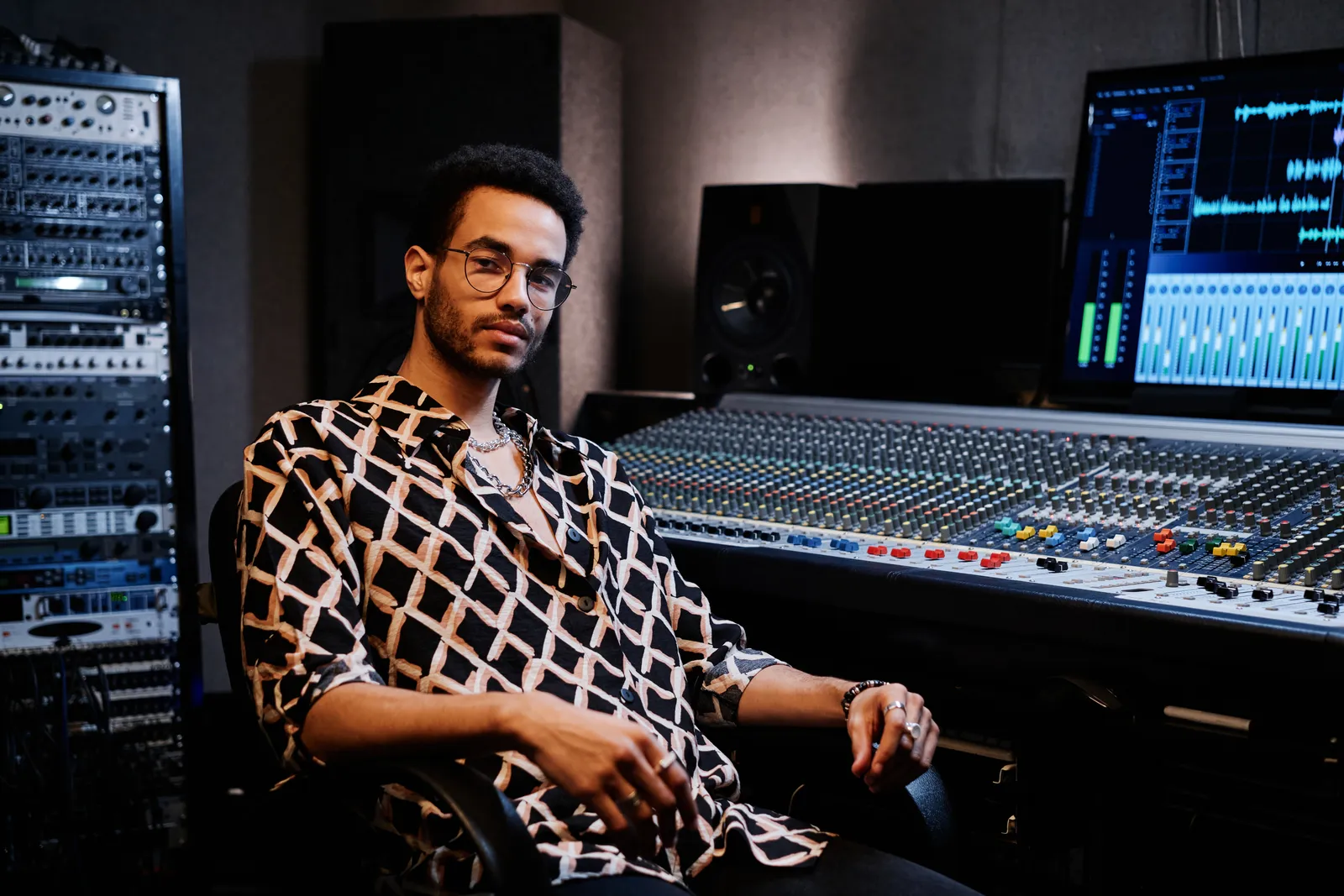
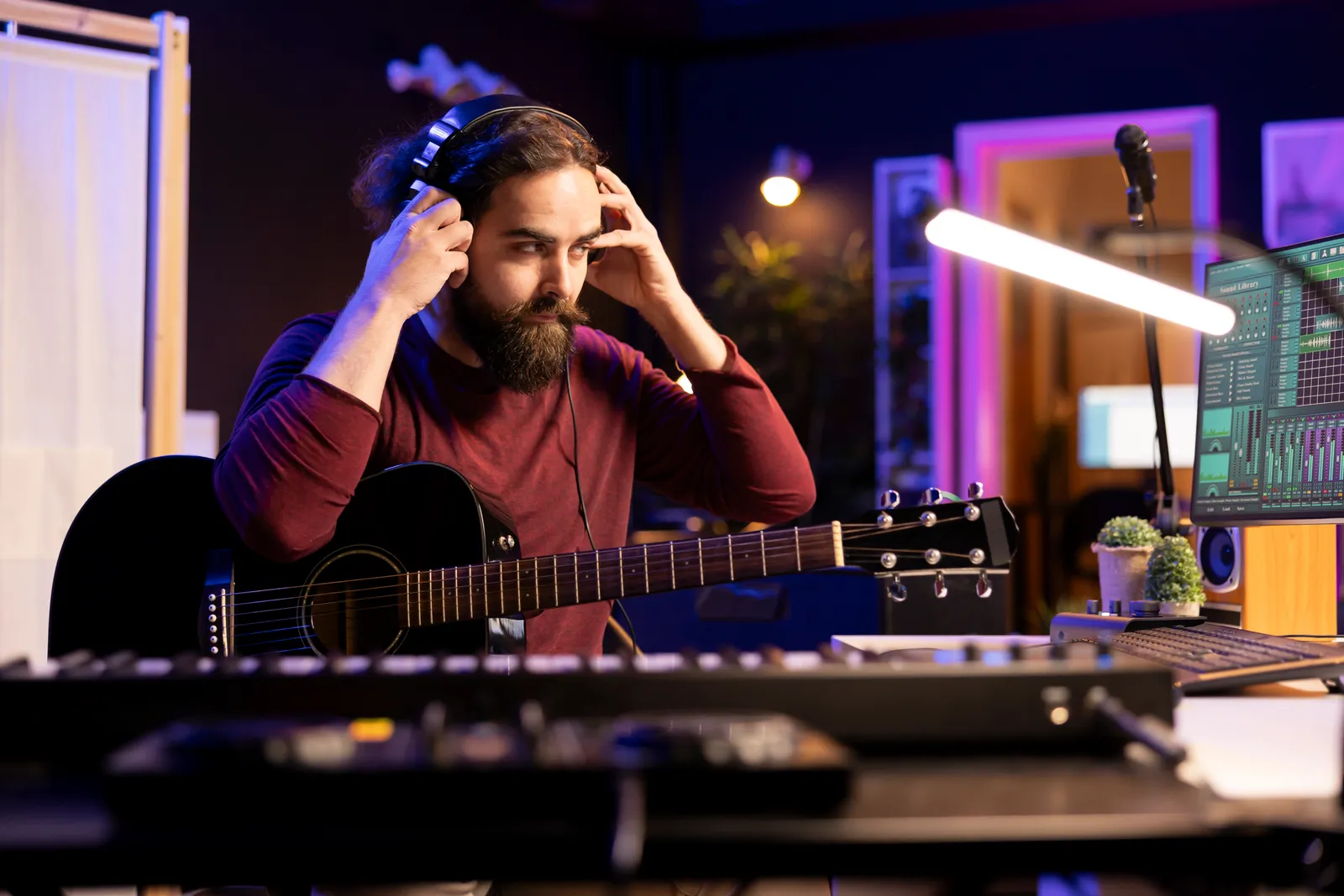
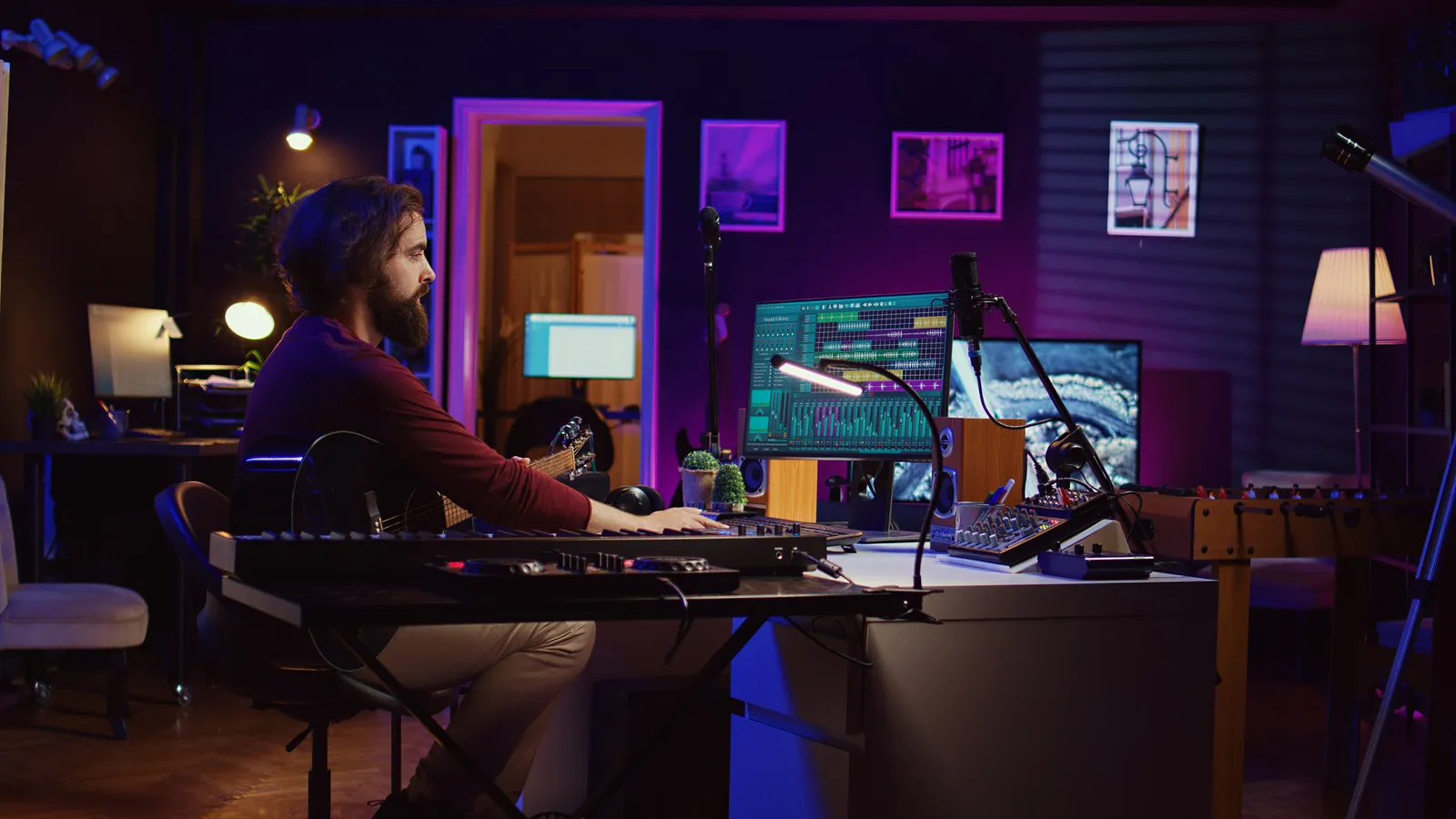
Home Recording Studio Equipment: The 2026 Essential Checklist
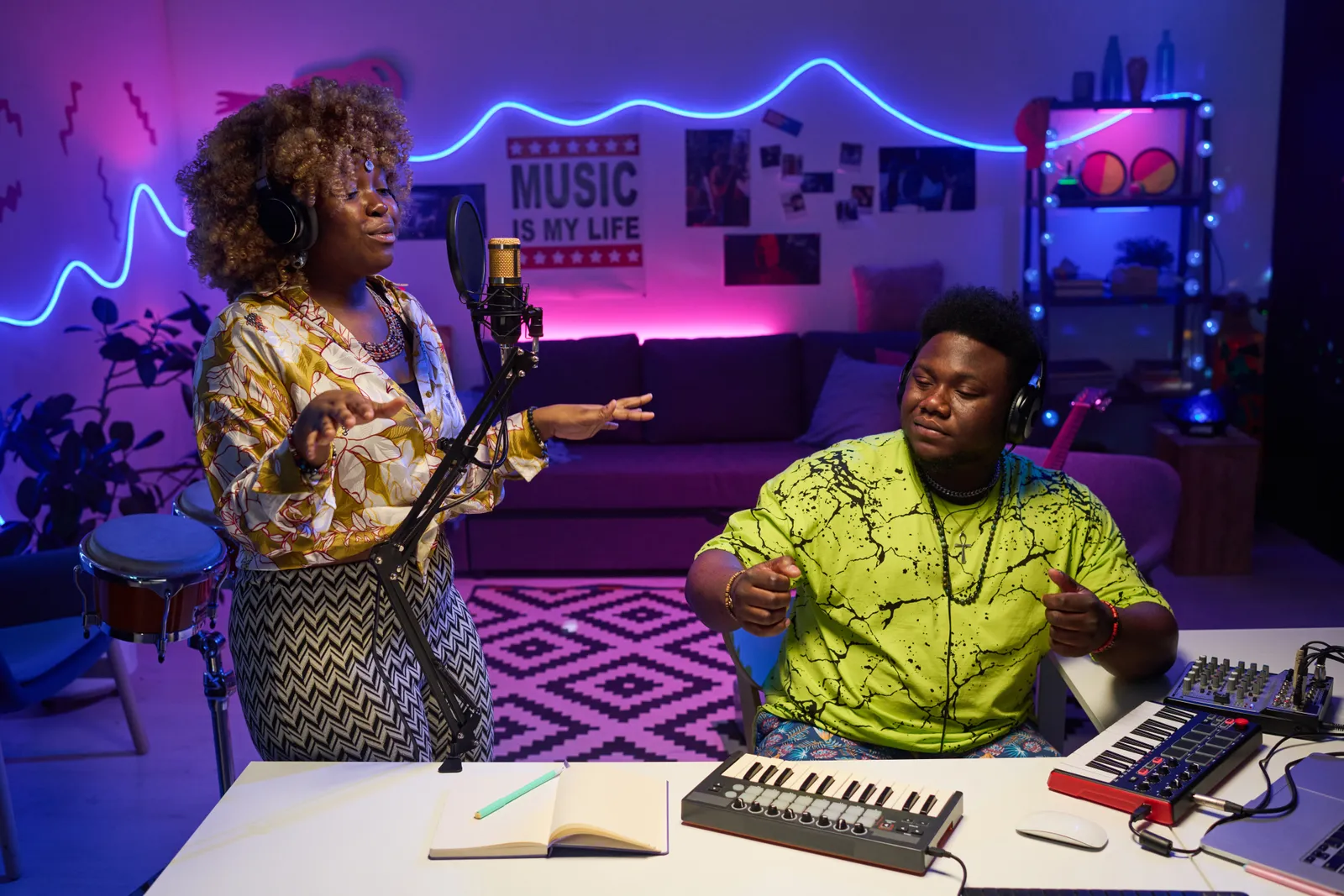
Your home recording studio doesn't need a six-figure budget to produce professional-quality tracks. But buying the wrong home recording studio equipment — or buying it in the wrong order — costs you twice: once in dollars and once in time spent rewiring your entire rig. This guide cuts through the noise. Every category, ordered by priority, with honest budget ranges for each tier.
TL;DR
- Start with: audio interface, studio monitors, DAW software, and headphones
- Add when ready: microphone, acoustic treatment, MIDI controller
- Add last: control surface, outboard gear, additional mics
- Budget: $600-1200 gets a fully functional setup; $2000+ moves into pro territory
Home Recording Studio Equipment: The Essential List
These aren't ranked by price. They're ranked by the order you'll actually need them.
Computer
You probably already own one. The minimum for 2026 is a machine from the last five years with at least 16 GB of RAM and an SSD. Apple Silicon Macs (M1 or newer) handle audio production exceptionally well at low power draw. Windows machines on AMD Ryzen or Intel Core are equally capable — your DAW choice matters more than the platform.
What to avoid: spinning hard drives and less than 8 GB of RAM. Both create buffer and latency issues that no interface or monitor upgrade will fix.
DAW Software
Your DAW (Digital Audio Workstation) is the center of everything. Every other piece of home music studio equipment either feeds data into it or controls it.
Popular choices in 2026:
| DAW | Platform | Price | Best For |
|---|---|---|---|
| Logic Pro | Mac only | $199 one-time | Best value overall |
| Ableton Live | Mac + Windows | $749 (Suite) | Electronic, performance |
| Pro Tools | Mac + Windows | Subscription | Industry standard tracking |
| Reaper | Mac + Windows | $60 | Low-spec machines, budget setups |
| Studio One | Mac + Windows | $399 (Pro) | Strong control surface integration |
Most DAWs offer 30-90 day free trials. Use them before committing money.
Audio Interface
This is the single most important piece of home recording studio equipment after your computer. The interface converts analog signals (microphone, guitar, synthesizer) into digital audio your DAW can work with, and routes your DAW's output back to your monitors and headphones.
What to look for:
- At least 2 inputs — you'll need the second one sooner than you expect
- 24-bit/96kHz conversion minimum
- Low-latency drivers for your operating system
- Combo XLR/TRS inputs for flexibility
Entry-level picks like the Focusrite Scarlett 2i2 and Solid State Logic 2 dominate for good reason: clean preamps, reliable drivers, and realistic pricing. You can compare current specs and pricing at Sweetwater's audio interface section.
If you're deciding between an interface and a hardware mixer, our breakdown of mixing consoles vs audio interfaces explains exactly when each makes sense for a home studio.
Studio Monitors
Studio monitors are your truth-tellers. Consumer speakers are tuned to make recordings sound flattering — that's the opposite of what you need when mixing. Studio monitors reveal problems: low-mid buildup, harsh high frequencies, a kick drum that won't translate to other playback systems.
What to look for:
- Flat frequency response (not hyped bass or elevated treble)
- Near-field monitors (5" or 8" woofer) for typical home studio listening distances
- Room correction DSP if your space isn't acoustically treated
Yamaha HS series, Adam Audio T-series, and KRK Rokit are consistently recommended options in this category. Placement matters as much as the monitors themselves — position them in an equidistant triangle from your head, tweeters at ear level.
Headphones
Headphones serve two distinct purposes in a recording studio setup, and you'll want both eventually.
Open-back headphones (Sennheiser HD600, Beyerdynamic DT990) are better for mixing and critical listening. They have wider stereo imaging and cause less ear fatigue over long sessions. You can't use them while recording because they bleed into open microphones.
Closed-back headphones (Audio-Technica ATH-M50x, Sony MDR-7506) isolate the monitor signal during recording sessions. They're the pair you hand to your vocalist through the headphone amp while tracking.
Start with one quality closed-back pair. Add open-back when the budget allows.
Microphone
The right microphone depends entirely on what you're recording.
Large-diaphragm condenser microphones (Rode NT1, Audio-Technica AT2020, Neumann TLM 102) are the default choice for vocals, acoustic guitar, and room ambience. They're detailed and sensitive, but they require phantom power (+48V) from your interface, and they pick up room reflections — a poorly treated room sounds noticeably worse through a condenser.
Dynamic microphones (Shure SM7B, Shure SM58, Electro-Voice RE20) handle loud sources like electric guitar amplifiers and are far less sensitive to room acoustics. The SM7B has become a home studio standard because it rejects ambient noise so effectively without requiring acoustic treatment to get clean results.
For most home studios: one condenser for vocals and acoustic sources, one dynamic for everything louder. That combination covers 90% of recording situations.
MIDI Controller
A MIDI controller sends data to your DAW and software instruments. For the home studio equipment list, MIDI controllers fall into three categories:
Keyboard controllers (25-88 keys) are the most versatile starting point. They let you play software synthesizers, program drum patterns, and sketch melodies without touching the mouse. The Arturia KeyLab Essential and Native Instruments Komplete Kontrol series are well-regarded mid-range options.
Pad controllers (Akai MPD series, Native Instruments Maschine) favor beat-making and sample triggering. If you produce hip-hop, electronic, or sample-heavy genres, pads often feel more natural than keys for building rhythmic foundations.
Hybrid controllers combine both. Start with one solid keyboard controller; everything else is workflow refinement.
For a detailed comparison of fader-equipped MIDI controllers, see our MIDI fader controller guide.
DAW Control Surface
Once you're mixing regularly, you'll start wanting hands-on fader control. Mouse-based mixing is serial — one fader or parameter at a time. A control surface lets you move multiple faders simultaneously, reach for EQ knobs the way you'd reach for them on a physical console, and work at a pace that mouse operation simply doesn't match.
What to consider for your home studio gear:
PreSonus FaderPort — available in 8 and 16 fader configurations, motorized faders, strong Studio One integration. Well-regarded entry point for the category.
SSL UF8 — eight motorized faders, premium build quality, broad DAW compatibility. Step up for producers who want a more refined feel.
TouchDaw — an ultra-wide 38" × 10" touchscreen controller that lays flat on your desk like a horizontal mixing console. It gives you simultaneous access to all your DAW channels via touch, at $50-190. It works on both Mac and Windows without an iLok or complex software setup, which matters when you're building a recording studio setup from scratch and don't want installation overhead.
The complete DAW control surface guide covers every protocol and category in depth if you want to go deeper before deciding.
Acoustic Treatment
No list of best home studio equipment is complete without acoustic treatment, and it's the item most often skipped by beginners. Your room shape, parallel walls, and bare reflective surfaces create frequency buildups — called room modes — that distort your perception of the mix. You add too much bass because you can't hear it properly at your listening position. You over-brighten the top end because high-frequency reflections are smearing the stereo image.
Start with:
- 2-inch thick acoustic panels at first reflection points (side walls, ceiling above the mix position)
- Bass traps in corners (floor-to-ceiling placement)
- A rug on hard floors to reduce flutter echo
You don't need to cover every surface. Treating the first reflection points accounts for most of the audible damage. DIY solutions using Rockwool or Owens Corning 703 in simple wood frames perform comparably to commercial products at a fraction of the cost. The iZotope learning library includes solid free resources on room acoustics if you want to understand the physics before buying panels.
Cables and Accessories
The unsexy home studio gear category that bites every studio owner eventually.
Essential cables:
- 2× XLR cables (microphone to interface)
- 2× balanced TRS cables (interface line outputs to studio monitors)
- 1× instrument cable for guitar or bass direct input
- USB or Thunderbolt cable for your interface (often included in the box)
Buy quality cables once. Mogami, Canare, and similar brands with quality connectors won't develop intermittent connections mid-session. Cheap cables create problems that are time-consuming and frustrating to diagnose.
Accessories:
- Boom mic stand (not a straight stand — you need the reach and angle)
- Pop filter for vocal recordings
- Monitor isolation pads to prevent desk resonance from coloring your low end
- Surge protector or basic power conditioner
Home Studio Equipment Budget Breakdown
| Budget Tier | Spend Range | What You Get |
|---|---|---|
| Starter | $600-900 | Interface, DAW, small monitors, closed-back headphones |
| Mid-Range | $1200-2000 | Above + condenser mic, MIDI keyboard, basic acoustic panels |
| Established | $3000-5000 | Above + control surface, additional mics, treated room |
| Professional | $7000+ | Flagship interface, premium monitors, fully treated space |
These ranges assume new gear purchased at retail. Used equipment from Reverb or eBay can reduce each tier by 30-40% without meaningful quality loss for most categories.
Sound On Sound maintains in-depth reviews of studio equipment across all budget levels — it's the most thorough editorial resource for evaluating specific models before you commit.
Pro Tip: Buy the interface and monitors first — they define your entire monitoring chain. A $300 condenser microphone through a solid interface and honest monitors will outperform a $1000 microphone through a poor chain on every mix. Get your foundation right and every subsequent purchase compounds on top of it.
Frequently Asked Questions
What's the minimum home recording studio equipment needed to start?
Four things: a computer with DAW software, an audio interface, headphones or studio monitors, and a microphone. Everything beyond those four items improves the process but isn't required to start recording and mixing. A well-chosen $600 setup in those four categories will produce professional-quality results.
Do I need acoustic treatment in a home recording studio?
Yes, but the investment doesn't have to be large. Treating the first reflection points — side walls at ear level, the ceiling above your mix position — removes most of the audible room problems. Four to six 2-inch acoustic panels at those positions will improve your monitoring more than most hardware upgrades.
Is a hardware mixing console necessary for a home studio?
For most home producers, no. An audio interface with quality preamps handles tracking well. Dedicated mixing consoles become relevant when you need eight or more simultaneous inputs or want analog summing in your signal chain. Our mixing console vs audio interface guide covers the decision in detail.
What DAW should I start with?
Logic Pro is the best value on Mac at $199 one-time. Reaper is the lowest-cost cross-platform option at $60. Ableton Live Standard makes sense if you produce electronic music or perform live. Don't treat your first DAW choice as permanent — most working engineers have used several and switched for workflow reasons.
How do I know when I need a DAW control surface?
When you're regularly mixing and want to move multiple faders simultaneously, reach for EQ with a physical knob, or simply work faster than mouse operation allows. Control surfaces are workflow tools — they don't change what you can produce, only how efficiently you produce it. A motorized-fader controller or a touchscreen surface like TouchDaw becomes worthwhile once mixing is a regular part of your process.
How much does a home recording studio cost to build?
A fully functional setup — interface, DAW, monitors, headphones, microphone, and basic acoustic treatment — runs $600-1500 for new mid-level gear. Quality used gear can bring that to $400-800 without meaningful quality loss. The room (acoustic treatment) and monitoring chain (interface + monitors) are where the money makes the biggest difference; microphone choices matter less than most beginners expect.
Building a home studio is cumulative — get the foundation right, learn the tools you have, then expand when a specific gap in your workflow becomes apparent. The gear list matters far less than the time you put into the room.