Why Ultrawide Monitors Are Perfect for Music Production

Your DAW has more tracks, channels, plugin windows, and meters than any 16:9 screen can comfortably show at once. The best ultrawide monitor for music production fixes this - not by zooming out until controls become unreadable, but by giving you genuine horizontal workspace that mirrors the way a real mixing console spreads out in front of you. Here's what specs actually matter, what to skip, and how to match the format to your desk.
TL;DR
- 34-inch at 3440x1440 (UWQHD) is the sweet spot for most producers
- IPS panels beat VA for long-session text clarity and off-angle viewing
- High refresh rates (144Hz+) don't help audio work - spend that budget on resolution instead
- USB-C hub monitors keep your desk cleaner with a single cable connection
Why an Ultrawide Monitor Changes the Way You Mix
You Can Finally See Your Entire Session
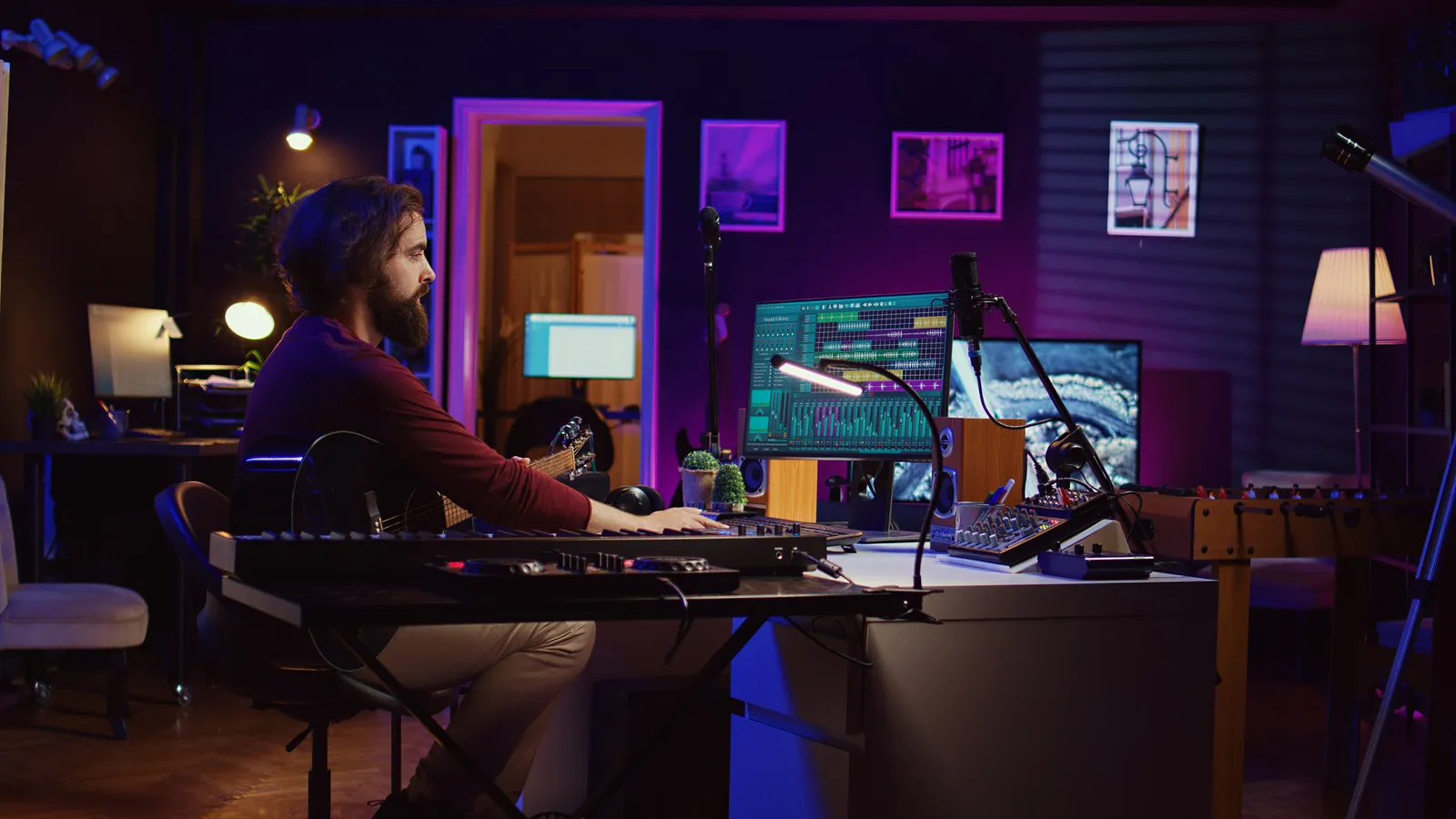
Standard 16:9 displays force a constant compromise: either scroll horizontally in your timeline or zoom out until track names become unreadable. An ultrawide monitor for music production removes that tradeoff. At 3440x1440 on a 34-inch panel, you can lay out 40-60 tracks in Ableton, Pro Tools, or Logic without scrolling - and still read the label on every channel.
The experience shifts closer to working at a hardware console than any other software-only change you can make. When a section of your mix needs attention, you can see it in context alongside everything around it. That spatial awareness is difficult to replicate on a standard screen, even with two monitors, because your eyes always cross a physical gap between them.
The Two Formats Worth Considering
The ultrawide monitor market splits into two main form factors for music work.
21:9 monitors - typically 34 inches diagonal - are the practical choice for most desks and workstations. They fit comfortably in standard studio furniture, work well with a single computer, and all major DAWs support this aspect ratio natively.
32:9 super-ultrawide monitors - typically 49 inches - span roughly the same width as two 27-inch displays placed side by side. The visual result is impressive: you can keep your DAW timeline on the left and your mixer on the right in a single uninterrupted view. The tradeoff is physical size. These displays require more desk depth to sit at a comfortable viewing distance, and DAW behavior at 32:9 varies by application.
Both formats have real advantages for audio work. The right choice depends on your desk dimensions and whether you currently use a dual-monitor setup.
Specs That Actually Matter for Audio Work
Panel Type: IPS Is the Better Default
For music production, IPS panels are the more practical choice over VA or TN. You'll spend long sessions reading plugin GUIs, automation curves, and track labels - tasks that require consistent color and text clarity when your head position shifts slightly. IPS delivers both.
VA panels offer noticeably higher native contrast ratios, which some engineers prefer in darker studio environments. The deeper blacks make waveforms and gain reduction meters easier to read at a glance. If you work in a room with controlled lighting and value contrast over off-angle consistency, VA is a reasonable alternative. MusicRadar's studio monitor coverage notes this tradeoff regularly in panel comparisons.
TN panels aren't worth considering for studio work. Their off-axis color shift is too severe for long sessions, and they offer no advantages relevant to audio.
Resolution: Where Your Budget Should Go
At 34 inches, 2560x1080 (UWFHD) feels soft on text - it's 1080p stretched wider, and the pixel density isn't comfortable as a primary workspace for hours at a time. Spend up for 3440x1440 (UWQHD) at this size. Text is crisp, plugin GUIs render cleanly at normal zoom, and the additional vertical resolution is a genuine improvement.
At 49 inches, 5120x1440 is the standard resolution for super-ultrawide panels and works well. The dual-QHD layout gives you room to run your DAW in full-screen while keeping a reference playlist, file browser, or plugin manager visible on the side.
Refresh Rate: Ignore the Gaming Specs
Audio software doesn't benefit from 120Hz, 144Hz, or 240Hz refresh rates. Your DAW is drawing static waveforms, text, and meters - not high-frame-rate animation. A 60Hz or 75Hz panel is completely adequate, and you won't perceive any difference in your mixing workflow.
This matters for one reason: refresh rate is a major cost driver in the ultrawide market. A 49-inch 5120x1440 panel at 60Hz is substantially more affordable than the same panel spec'd for gaming. When shopping for music work, filter out high-refresh models and redirect that budget toward better panel quality, higher resolution, or a more capable USB hub.
Connectivity That Helps Your Studio
Look for at least one of these on any monitor you consider:
- DisplayPort 1.4 - full-resolution connection from a desktop GPU without bandwidth compromise
- HDMI 2.0 or 2.1 - alternative input for laptops or a second machine
- USB-C with Power Delivery - single-cable connection for video and laptop charging; the biggest desk cleanliness improvement available
- Built-in USB hub - connects your audio interface, DAW controller, and peripherals without a separate hub on your desk
Some higher-end models include Thunderbolt 4, which is worth prioritizing if you use an Apple Silicon Mac or a Thunderbolt-enabled Windows laptop.
Choosing the Best Ultrawide Monitor for Music Production: By Format
This table maps common production needs to the right display format:
| Format | Size | Resolution | Panel | Best For |
|---|---|---|---|---|
| Entry ultrawide | 29-34" | 2560x1080 | IPS | Budget upgrade from 27"; constrained desk space |
| UWQHD mid-range | 34" | 3440x1440 | IPS | Most producers - best value-to-resolution ratio |
| UWQHD hub monitor | 34" | 3440x1440 | IPS | Laptop users; USB-C single-cable clean desks |
| Super ultrawide | 49" | 5120x1440 | IPS/VA | Replacing a dual-monitor setup; large session work |
Sweetwater's monitor category includes user reviews from working engineers for most of these form factors - useful for narrowing down to a specific model once you've chosen your format.
DAW Software and Ultrawide: What You Need to Know
All major DAWs handle 21:9 ultrawide displays well. At 32:9, behavior varies more by application, and it's worth checking before you purchase a 49-inch display.
Ableton Live scales well across wide displays. The session view and arrangement view both benefit from horizontal space, and you can keep the browser and mixer panels visible simultaneously without resizing.
Logic Pro (Mac only) has strong native support for wide displays. The Mixer view takes particular advantage of horizontal space - you can see more channels without scrolling, and the smart controls stay visible in the lower panel.
Pro Tools uses floating windows that benefit from a larger canvas. Mix sessions with 32 or more channels are significantly easier to navigate when the Mix window doesn't require constant horizontal scrolling.
FL Studio uses a multi-window approach that's naturally suited to wide displays. The step sequencer, piano roll, and mixer can occupy separate areas of a wide canvas without overlapping.
Cubase and Nuendo support ultrawide natively, and the MixConsole view scales properly across 34-inch and 49-inch panels.
At super-ultrawide (32:9), check your specific DAW version's release notes. Some applications don't render beyond 21:9 without leaving unused space at the screen edges. Sound On Sound's studio workflow coverage periodically addresses this in DAW-specific setup guides.
Pairing Your Monitor with Hands-On Control
An ultrawide monitor handles the visual side of mixing well - you can see your entire session. But seeing it and physically controlling it are different problems. For producers who want tactile control over faders and sends without a traditional hardware console, a horizontal desk controller sits naturally beneath the ultrawide in your field of view.
TouchDaw's 38" x 10" horizontal form factor is designed for exactly this kind of layout. It sits between you and your monitor, and the horizontal span maps naturally to the width of your DAW mixer. You reach forward to touch faders the same way you'd reach for a physical console - your eyes stay on the screen while your hands work the controls below. It connects via USB-C with no iLok or complex software install, and it works on both Mac and Windows.
For producers building a complete DAW control surface setup, an ultrawide monitor paired with a horizontal touch controller creates a workstation that's closer to a console workflow than either piece alone.
If you're planning a full studio build from scratch, the home recording studio equipment checklist covers monitors, interfaces, controllers, and acoustic treatment together in a single reference.
Ergonomics: Positioning a Wide Monitor
This gets overlooked more than almost any other spec decision. An ultrawide - particularly a 49-inch model - needs correct positioning to avoid neck strain on long sessions.
General guidance: the top of the screen should be at or just below eye level, and the viewing distance should be roughly arm's length. At 49 inches, this often means the monitor needs to sit further back on the desk than a standard 27-inch screen would. Measure your available desk depth before ordering.
The home studio desk setup guide covers ergonomic monitor positioning in detail, including recommended desk depths for both 34-inch and 49-inch super-ultrawide setups, and how to position a reference monitor and controller within the same field of view.
Pro Tip: When you switch to an ultrawide, use your DAW's screen set or layout preset system from day one. Save a "full session view" that positions your mixer, timeline, and browser exactly where you want them. Every major DAW supports this - Logic's Screensets, Ableton's View menu, Pro Tools' Edit and Mix window layouts. Spending 20 minutes on this setup pays back immediately every session.
Frequently Asked Questions
What is the best ultrawide monitor size for music production?
34 inches at 3440x1440 (UWQHD) is the most practical choice for most producers. It provides enough horizontal space to see 40-60 tracks without scrolling, fits most standard studio desks comfortably, and the pixel density keeps plugin GUIs and track labels legible at arm's length. Super-ultrawide 49-inch displays are worth considering only if you're replacing a dual-monitor setup - they require significantly more desk depth and a larger physical footprint.
Do I need 4K on an ultrawide monitor for music production?
No. The 3440x1440 UWQHD resolution on most 34-inch ultrawide monitors is more than sufficient for DAW work. 4K ultrawide formats exist but don't offer a meaningful upgrade over standard UWQHD for audio production. The resolution difference matters far more for video editing or photo work where pixel-level precision is critical.
Is 21:9 or 32:9 better for a DAW?
21:9 (34-inch format) is the better starting point for most producers. It works natively with all major DAWs, fits most studio desks, and the horizontal space already meaningfully improves session visibility. 32:9 (49-inch) offers more real estate but requires checking your specific DAW's behavior at this aspect ratio - some applications show letterboxing or don't scale consistently beyond 21:9.
What panel type is best for a music production monitor?
IPS is the better default for most producers. IPS panels maintain consistent color and text clarity when viewed from off-angle positions, which matters during long sessions where your head position naturally shifts. VA panels offer higher contrast ratios - some engineers prefer them in darker studios for waveform and meter visibility - but off-axis color shift is more pronounced. TN panels aren't recommended for studio work.
Does refresh rate matter for music production?
No. Audio software doesn't benefit from high refresh rates. A DAW renders static waveforms, text, and meters - not high-frame-rate animation. A 60Hz or 75Hz panel is completely adequate. Monitors at 144Hz or higher carry a price premium designed for gaming that doesn't apply to audio workflows. Filter for lower refresh rates when shopping and put that budget toward resolution or panel quality instead.
Can I use an ultrawide with Logic Pro, Pro Tools, or Ableton?
Yes. Logic Pro, Pro Tools, Ableton Live, FL Studio, Cubase, and Nuendo all support 21:9 ultrawide natively and scale their layouts properly. For 32:9 super-ultrawide, behavior varies by DAW version - Ableton and Logic handle it well, but some versions may leave unused space at the edges. Check your DAW's release notes before purchasing a 49-inch display.
Closing
The best widescreen monitor for music production isn't necessarily the largest or the highest refresh rate - it's the one that fits your desk, renders text crisply at arm's length, and gives your DAW enough horizontal canvas to work without constant scrolling. For most producers, that's a 34-inch IPS panel at 3440x1440. The 49-inch format is a genuine upgrade for large sessions, but only if your desk and room can accommodate it comfortably.