MIDI Fader Controllers: Everything You Need to Know
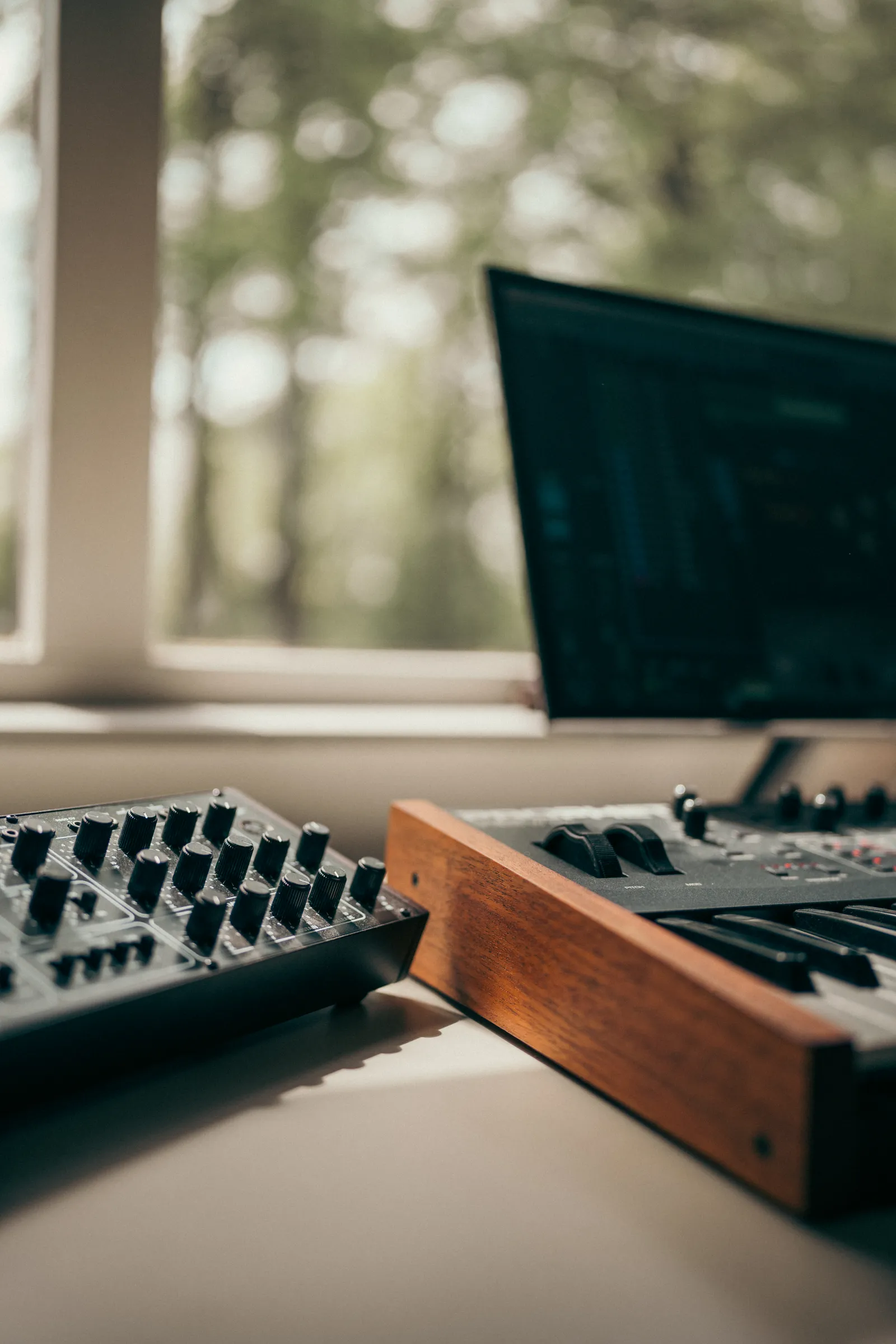
A MIDI controller fader puts real mixing control under your fingers — volume rides, sends, panning, automation — without clicking through your DAW's mixer one channel at a time. Whether you're working a 16-track vocal session or a 64-track film score, dedicated faders change how you interact with a mix at a fundamental level.
This guide covers every type of fader controller on the market in 2026, compares the top hardware head-to-head, and helps you decide which one fits your studio and budget.
TL;DR
- A fader MIDI controller uses MCU or HUI protocol to map physical or virtual faders directly to your DAW's mixer channels.
- Options range from single-fader units under $100 to 16-fader motorized surfaces at $999 and touchscreen controllers that display unlimited channels.
- Motorized faders offer tactile recall but cost more per channel. Touch faders scale without hardware limits.
- For the best value in 2026, touchscreen fader controllers like TouchDaw ($50-$190) deliver the widest channel spread at the lowest price point.
What Is a MIDI Fader Controller?
A MIDI fader controller is a hardware device with one or more faders that sends control data to your DAW. Unlike a MIDI keyboard (which sends note data for playing instruments), a fader controller's job is mixing: adjusting volume, panning, aux sends, and riding automation across multiple channels simultaneously.
Most fader controllers don't actually send raw MIDI CC messages to your DAW. Instead, they communicate through one of two standardized protocols:
MCU (Mackie Control Universal)
Developed by Mackie in the late 1990s and still the dominant protocol in 2026. MCU defines how faders, buttons, rotary encoders, and scribble-strip displays map to DAW mixer functions. Nearly every major DAW supports MCU natively — Logic Pro, Cubase, Ableton Live, Pro Tools, Reaper, Studio One, and FL Studio all recognize MCU devices on connection.
HUI (Human User Interface)
Originally developed by Mackie for Digidesign (now Avid) Pro Tools. HUI is functionally similar to MCU but uses a different data format. Pro Tools historically preferred HUI, though modern versions support both. If you're a Pro Tools user, HUI mode typically gives you tighter integration with track names and transport controls.
The practical takeaway: when shopping for a MIDI controller fader, check whether your DAW prefers MCU or HUI, and confirm the controller supports your protocol. Most modern controllers handle both.
For a deeper dive into how these protocols fit into the broader controller landscape, see our DAW control surfaces guide.
Types of MIDI Fader Controllers
Single-Fader Controllers
One motorized 100mm fader in a compact enclosure. You mix one channel at a time, banking through your session with dedicated buttons. These are the entry point for hands-on mixing on a tight budget.
Best for: Small sessions, stem mixing, podcast editing, or adding a single fader to an existing controller setup.
Limitation: Constant bank-switching. You're always one channel at a time, which slows down any session with more than a handful of tracks.
8-Fader Controllers
The most popular format. Eight motorized faders give you a full bank of channels — enough to handle a drum bus, a vocal stack, or a group of instrument stems without switching. Most 8 fader MIDI controller units include rotary encoders, scribble strips, and transport buttons.
Best for: Home studios, small commercial rooms, and anyone who mixes sessions with 8-32 tracks regularly.
16-Fader Controllers
Double the channel count in a single chassis. A 16 fader MIDI controller cuts bank-switching in half compared to an 8-fader unit, which matters on larger sessions. The tradeoff is desk space — these units are typically 24-28 inches wide.
Best for: Mixers who regularly work with 24+ tracks and want to see more of their session without switching banks.
Touchscreen Fader Controllers
Instead of physical motorized faders, a touchscreen controller renders fader strips on a display that you manipulate with your fingers. The channel count isn't limited by hardware — you can display 16, 24, 32, or more channels simultaneously depending on screen size.
Best for: Studios that need maximum channel visibility, producers who switch between projects frequently, and anyone who wants a console-style overview without the console-style price.
MIDI Fader Controller Comparison: Top Picks for 2026
Here's how the leading MIDI controller fader options compare across the specs that matter most in a working studio.
| Controller | Type | Faders | Protocol | DAW Support | Street Price |
|---|---|---|---|---|---|
| SSL UF8 | Motorized | 8 | MCU / HUI | All major DAWs | $1,199 |
| PreSonus FaderPort 16 | Motorized | 16 | MCU / HUI | All major DAWs | $999 |
| Icon Platform M+ | Motorized | 8 | MCU | All major DAWs | $499 |
| Behringer X-Touch | Motorized | 8 | MCU / HUI | All major DAWs | $449 |
| TouchDaw | Touchscreen | Unlimited | MCU / HUI | All major DAWs | $50 - $190 |
SSL UF8
The reference standard for motorized fader MIDI controller hardware. Eight Alps faders with 10-bit resolution, dual-function encoders, a high-contrast LCD scribble strip per channel, and DAW-specific overlay profiles for Logic, Pro Tools, Cubase, Ableton Live, and more.
SSL's 360 software layer gives you custom mapping and the ability to chain multiple UF8 units for 16, 24, or 32 faders. At $1,199 per unit, a two-unit setup (16 faders) runs $2,398 — serious money, but serious build quality.
Verdict: The premium choice if motorized faders are non-negotiable and budget is secondary.
PreSonus FaderPort 16
Sixteen motorized 100mm faders in a single unit for under $1,000. That's the lowest per-fader cost in the motorized category. Native Studio One integration is deep — session navigation, plug-in control, and channel editing all work without MCU emulation. Other DAWs connect via MCU/HUI and get full fader and transport functionality.
The build is plastic rather than metal, which keeps the price down but doesn't feel as premium as the SSL. For a 16 fader MIDI controller at this price, it's the clear leader.
Verdict: Best value in motorized faders if you need 16 channels in one chassis.
Icon Platform M+
Eight motorized faders at $499 — the most affordable motorized option worth recommending. The Platform M+ supports MCU with Cubase, Logic, Pro Tools, Ableton, and Reaper. Build quality sits between the Behringer and the SSL. Icon also sells the Platform X+ extender ($299) if you want to expand to 16 channels later.
Verdict: Solid entry point for motorized faders on a home-studio budget.
Behringer X-Touch
Eight motorized faders, rotary encoders, a scribble strip per channel, and MCU/HUI support — all for $449. The X-Touch has been on the market for years and has earned a reputation for reliability at its price. Fader feel is functional but not silky. The scribble strips are small.
Verdict: A proven budget workhorse. Lacks the polish of the SSL or the channel count of the FaderPort 16, but it gets the job done.
TouchDaw
A different approach entirely. TouchDaw is an ultra-wide touchscreen (38" x 10") that lays flat on your desk like a real console's fader section. Instead of 8 or 16 physical faders, the screen renders as many fader strips as your session needs — 16, 24, 32, or beyond — all visible simultaneously.
What makes it stand out as a best midi fader controller option:
- $50 to $190. Less than a single motorized fader unit from SSL, and you get unlimited channels.
- USB-C plug and play. No drivers, no network configuration, no iLok. Connect and mix.
- Mac and Windows. Both platforms supported from day one.
- Horizontal console layout. Your hands move across the surface left to right, the same ergonomic pattern as a physical mixing console. It's not a vertical monitor you're reaching up to touch — it's a desk-level surface you're reaching across.
- No mechanical wear. Touch faders don't have motors that fail after years of daily use.
The tradeoff is tactile feedback. You don't feel the physical resistance of a motorized fader under your fingers. But you gain something motorized controllers can't offer: a complete channel overview without ever pressing a bank button.
For a detailed look at how TouchDaw fits into the broader controller landscape, see our DAW control surfaces guide.
How to Choose the Right MIDI Fader Controller
Channel Count
This is the single most important decision. Count the tracks in your average session, then consider how many faders you need visible at once.
- 8 faders: Fine for stem mixing, small sessions, and producers who work primarily with groups and buses.
- 16 faders: The minimum for comfortable full-mix work on sessions with 24+ tracks.
- Unlimited (touchscreen): The only option that eliminates bank-switching entirely.
If you find yourself constantly pressing bank buttons to find the channel you need, you need more visible faders — not faster fingers.
DAW Compatibility
Every controller in this guide supports MCU, which covers the vast majority of DAWs. But check the details:
- Pro Tools works best with HUI mode on most controllers.
- Studio One has native FaderPort integration that goes deeper than generic MCU.
- Ableton Live supports MCU but also has its own control surface scripts for specific hardware.
Don't assume "MCU compatible" means identical behavior across every DAW. Test the specific controller-DAW combination before committing.
Budget
Here's the honest breakdown of what each price tier gets you:
| Budget | What You Get |
|---|---|
| Under $200 | TouchDaw (unlimited touch faders), or a single motorized fader |
| $200 - $500 | Icon Platform M+ or Behringer X-Touch (8 motorized faders) |
| $500 - $1,000 | PreSonus FaderPort 16 (16 motorized faders) |
| $1,000 - $2,500 | SSL UF8 (8 premium motorized) or dual units for 16 |
Per-channel cost tells the real story. An SSL UF8 costs roughly $150 per fader. A FaderPort 16 costs about $62 per fader. TouchDaw, at $50-$190 total for unlimited channels, redefines the math entirely.
Build and Longevity
Motorized faders contain motors, belts, and contact wipers that wear over time. Daily professional use typically means 5-10 years before fader replacement becomes necessary. Touchscreens have no moving parts — the display and touch digitizer last as long as any modern monitor.
Factor in the total cost of ownership, not just the purchase price.
Pro Tip: Before buying any fader controller, download a free MCU emulator or trial app on a tablet, and mix with it for a few days. If you constantly reach for more channels than 8 physical faders provide, you already know that a wider surface — whether that's a motorized fader DAW controller with 16 channels or a touchscreen like TouchDaw — is where you should spend your money.
Frequently Asked Questions
What's the difference between a MIDI controller fader and a DAW control surface?
They overlap significantly. A MIDI controller fader is typically a standalone unit focused on faders and basic transport. A DAW control surface often includes additional features like rotary encoders, jog wheels, dedicated plug-in control sections, and tighter DAW integration. Many products qualify as both.
Are motorized faders worth the extra cost?
For automation riding and tactile recall, motorized faders remain unmatched. When you switch banks, the faders physically snap to their stored positions — you can feel the current level before you move anything. The question is whether that tactile feedback justifies 5-10x the per-channel cost compared to a touchscreen approach.
Can I use a MIDI fader controller with Ableton Live?
Yes. Ableton Live supports MCU-compatible controllers natively. The SSL UF8, FaderPort 16, Icon Platform M+, Behringer X-Touch, and TouchDaw all work with Live's mixer. Some controllers also offer dedicated Ableton scripts for enhanced integration with session view and clip launching.
Do I need 8 or 16 faders?
It depends on your session size. Eight faders handle stem mixing and small productions well. If you regularly work with 24+ tracks and find yourself bank-switching constantly, 16 physical faders or an unlimited touchscreen surface will save you meaningful time per session. According to the MIDI Association's protocol specs, MCU supports banking across any number of channels — the question is whether you want to bank or see everything at once.
What's the best MIDI fader controller under $500?
In the motorized category, the Icon Platform M+ ($499, 8 faders) and Behringer X-Touch ($449, 8 faders) are the top picks. For a touchscreen approach, TouchDaw ($50-$190) delivers unlimited visible faders at a fraction of the cost, making it the highest-value option in this range by a wide margin.
Can I connect multiple fader controllers to one DAW?
Yes. Most DAWs let you assign multiple MCU devices simultaneously. A common setup is two 8-fader units for 16 channels, or an 8-fader motorized unit paired with a touchscreen surface for overflow channels. SSL's UF8 supports up to four units daisy-chained for 32 motorized faders. The cost of multi-unit motorized setups adds up fast — a 32-fader SSL rig runs close to $4,800.
The Bottom Line
The best midi fader controller is the one that puts the right number of channels under your hands, works with your DAW without friction, and doesn't blow your budget before you've made a single mix decision. Motorized faders still own the tactile dimension. Touchscreen controllers own the scalability and cost dimension. Both get you off the mouse and into a real mixing workflow.
Pick your priority, check the comparison table above, and start mixing with your hands instead of your cursor.