Best Audio Mixing Consoles in 2026: From Budget to Pro
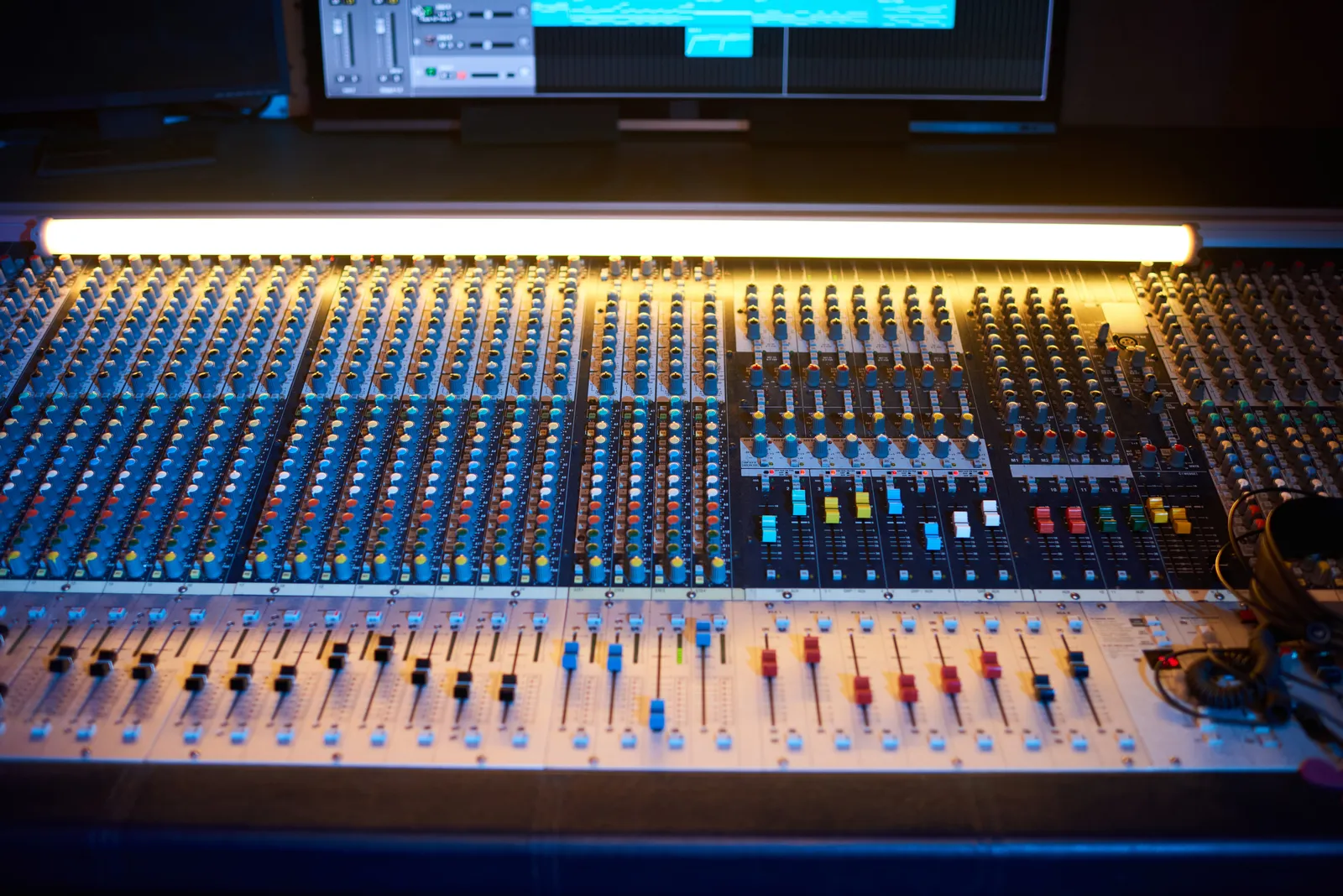
The phrase "best audio mixing console" covers an enormous range - from a compact analog unit on a bedroom desk to a multi-hundred-thousand-dollar SSL that anchors a commercial room. Getting the right one depends entirely on what you're actually routing, not what looks impressive in the background of a studio photo.
This guide covers the real options across budget, midrange, and professional tiers - analog and digital - and helps you match a console type to your actual workflow in 2026.
TL;DR
- Home studio recording: A compact analog console like the Mackie ProFX or Yamaha MG series handles input routing, monitoring, and basic submixing cleanly
- Live sound or hybrid sessions: A professional digital mixing console like the Allen & Heath SQ-5 or Behringer X32 gives you recall, onboard dynamics, and flexible networked routing
- Purely in-the-box (DAW) mixing: You may not need a traditional console at all - a DAW control surface delivers fader automation and tactile control directly inside the software without routing audio through hardware
- High-end analog tracking: The SSL Six, API 1608-II, and similar options deliver the summing character serious engineers pay for
What Type of Console Do You Actually Need?
Before comparing product names, the most important decision is the one between analog and digital.
Analog consoles route and mix audio as electrical signal - no conversion at the sum point, and that particular combination of transformer saturation and amplifier character that engineers still debate actively on Gearspace. They're also fixed in channel count: a 16-channel analog desk is 16 channels, full stop.
A digital audio mixing console converts everything to the digital domain at the input stage, then routes, processes, and sums internally. You gain total recall, onboard dynamics and effects, and routing flexibility that can expand through network cards (Dante, MADI, AVB). The analog signal path character that some engineers prefer for tracking is gone - but for many workflows, what you gain outweighs what you lose.
Neither is categorically better. The real difference is what your sessions demand. The deeper look at this tradeoff is in our analog vs digital mixing article - worth reading before you commit to a console type.
Best Audio Mixing Consoles by Category
Best for Home Studio and Small Recording
Mackie ProFX16v3
The ProFX16v3 is a 16 channel mixing console built for home recording, rehearsal rooms, and small PA setups. It runs Mackie's Vita preamps, includes a 2x2 USB interface for direct recording into your DAW, and has a built-in effects engine that covers reverb, delay, and modulation. Full-size channel faders give it a proper feel.
It's not a mastering desk, and the preamps won't rival boutique options - but for reliable input routing with a direct recording path, it does exactly what it's supposed to do.
Yamaha MG16XU
Yamaha's MG series has been a studio and live staple for years. The MG16XU uses D-Pre preamps that are clean and have solid headroom, and includes a built-in USB interface running at 24-bit/192kHz. The onboard SPX effects engine handles live and studio utility use cases. Build quality is a noticeable step up in feel from the Mackie.
PreSonus StudioLive AR12c
The AR12c is a hybrid console - part analog mixer, part USB audio interface, part standalone recorder. It can capture multitrack directly from the console without a DAW running, which is a genuine differentiator for rehearsal recordings and location sessions. For producers who want a console that doubles as a capture device, it's worth considering seriously.
Best Digital Audio Mixing Consoles
Behringer X32 Compact
The X32 Compact is the digital audio mixing console that redefined what "affordable" means in this category. It offers 32 channels of processing in a compact frame, onboard dynamics on every channel, built-in Klark Teknik effects, and USB/MADI/AES50 connectivity for studio expansion. The UI is touchscreen-based and requires real time to learn - navigating the routing matrix on an X32 isn't intuitive until it is. But once you're past the learning curve, the routing flexibility it offers is hard to match at any comparable price point.
ProSoundWeb has documented the X32 family in depth since its release - their forums are worth bookmarking for advanced routing questions.
Allen & Heath SQ-5
Moving up from the X32 to a more professional digital console tier, the SQ-5 is the 16-fader system that professional touring and installation engineers regularly choose. It processes 48 channels of audio in a compact frame with Allen & Heath's DEEP processing suite (which includes channel strip emulations from Neve, SSL, and other brands), optional Dante networking, and build quality that matches commercial room standards. The price reflects the step up - but it's a serious piece of infrastructure for a serious room.
Best Professional Digital Mixing Consoles for Recording
For commercial recording applications, the conversation shifts away from live-oriented consoles toward dedicated recording desks.
API 1608-II
The API 1608-II is a 16-channel recording console built around the 2520 op-amp and 312 preamp topology that defined the API sound in the 1970s. It's a fully analog, dedicated tracking and mixing console. Expensive by any standard - this is the kind of purchase that defines a room rather than equipping one. For engineers who want API's specific character at every step of the signal chain, there isn't a cheaper way to get there.
SSL Six
The SSL Six occupies a specific niche: a six-channel summing and monitoring hub with SSL's Class A console circuitry, for producers who want SSL preamp character without a full-size desk. It's not a 16-channel routing console or a live PA board - it's a focal point for a hybrid studio that does the heavy mixing in-the-box but wants real analog summing and monitoring for critical listening. Sweetwater carries full spec details for engineers who want the technical breakdown.
Comparison: Console Types at a Glance
| Console / Tool | Format | Input Count | Best For |
|---|---|---|---|
| Mackie ProFX16v3 | Analog | 16 channels | Home recording, small live |
| Yamaha MG16XU | Analog | 16 channels | Studio routing + USB capture |
| PreSonus StudioLive AR12c | Hybrid | 12 channels | Rehearsal recording, location |
| Behringer X32 Compact | Digital | 32 processing | Live, mid-tier studio, routing |
| Allen & Heath SQ-5 | Digital | 48 processing | Professional live + studio |
| API 1608-II | Analog | 16 channels | High-end recording |
| SSL Six | Analog | 6 channels | Hybrid studio summing |
| TouchDaw | Touch controller | DAW channels | In-the-box DAW mixing |
The 16-Channel Mixing Console: Why It's the Sweet Spot
When producers search specifically for a 16 channel mixing console, they're usually making a practical decision: 16 channels covers most home studio needs - a full drum kit, several instrument inputs, effects returns, and a headphone mix - without the bulk of a 32-channel frame.
The practical range for a 16-channel analog desk with solid build quality and a USB interface sits between roughly $300 and $600. Above that, you start accessing professional-grade preamps and more flexible routing (the SSL Six, API tier). Below it, the fader feel and preamp noise floor start showing their limits during critical tracking sessions.
For a purely DAW-based workflow, a 16-channel console can also function as an input router and monitor controller even if none of its channel processing ends up in the final mix. That's a completely valid use case and worth factoring into your decision before assuming you need a full analog processing chain.
Mixing in a DAW: When You Don't Need a Traditional Console
A significant share of producers today - from bedroom beatmakers to professional mixing engineers - do all their mixing entirely inside the DAW. No summing bus, no analog console, no physical faders touching audio at any point in the chain.
For those engineers, a traditional mixing console isn't the right tool. What they often miss is the tactile control: the ability to reach out and grab a fader, mute a bus with a physical button, and stay physically connected to the mix that console work naturally provides.
That gap is what a DAW control surface fills. Instead of routing audio through hardware, a control surface sends HUI or MCU commands to the DAW - moving software faders in real time, triggering automation, and letting you work with your hands instead of a mouse. For context on how control surfaces relate to hardware consoles, our piece on recording studio mixing consoles covers the distinction in depth.
TouchDaw takes a different approach to this problem: an ultra-wide (38" x 10") horizontal touchscreen that lays flat on your desk, mimicking the physical layout of an analog console without routing any audio signal through hardware. It connects via USB-C, works on Mac and Windows, and starts at $50 - making it the most accessible entry point to tactile DAW control for engineers who don't need hardware I/O routing at all. If you're comparing that to the cost of even a budget 16-channel analog console, the math changes depending on your workflow.
For the Avid control surface side of the equation - S1, S4, and the Avid DOCK - those options are covered in detail in their own comparison, particularly for Pro Tools-centric rooms.
Pro Tip: Before buying any mixing console, map every signal source you'll actually connect - not your theoretical maximum, but your real daily usage. Most home studio engineers find a 12 to 16 channel console covers everything they use. Buying a 32-channel frame for 8 regular sources means paying for 24 channels you won't use, and managing a footprint that eats your desk for no operational benefit.
FAQ
What is the best audio mixing console for a home studio?
For most home studios, a 16-channel analog console with a built-in USB interface - like the Mackie ProFX16v3 or Yamaha MG16XU - handles recording, monitoring, and submixing without overcomplicating the setup. If you work primarily in a DAW and don't need hardware input routing, a control surface may serve you better than a full console.
Is a digital audio mixing console better than analog for studio work?
Not categorically. Digital consoles offer total recall, flexible routing, and onboard processing - major advantages for complex multi-session environments. Analog consoles maintain the original signal path with no conversion, which some engineers prefer for tracking. The right choice depends on your session types and working style, not a universal rule.
What's the difference between a mixing console and an audio interface?
A mixing console routes multiple signals, applies gain and processing, and outputs a mix or submix. An audio interface converts analog signals to digital for your computer and back. Some hybrid units - like the PreSonus StudioLive AR series - do both. For most in-the-box producers, an audio interface is the essential piece and a mixing console is optional. Our mixing console vs audio interface article covers this in full.
What do professional studios use for digital consoles?
It varies by room type. Allen & Heath SQ and dLive series, SSL 9000 series, Neve 8078 (for tracking rooms), and API consoles all appear in professional contexts. For mid-tier professional rooms and touring engineers, the Allen & Heath SQ series and Yamaha CL/QL series are common digital choices. Avid S6 systems appear frequently in post-production rooms and studios that center their workflow on Pro Tools.
Do I need a 16-channel mixing console or can I get away with fewer?
Count your actual daily inputs: main monitors, headphone mixes, instrument inputs, and outboard returns. Many producers find 8 to 12 channels covers everything they use regularly. A 16-channel console gives room to grow without the footprint of a 24- or 32-channel frame. Only buy more channels than your current sessions need if you have a specific plan to use them.
What's the best value professional digital mixing console for a small studio?
The Behringer X32 series remains the benchmark value-for-money digital audio mixing console for studios and live applications. It's not built to the same standard as an Allen & Heath SQ or Yamaha CL, but the processing depth and routing flexibility it offers at its price point hasn't been matched by any comparable manufacturer.
The right mixing console is the one that matches your real workflow - not your dream room layout or theoretical future needs. Map your actual inputs, decide whether you're routing hardware signals or controlling a DAW, and buy accordingly.