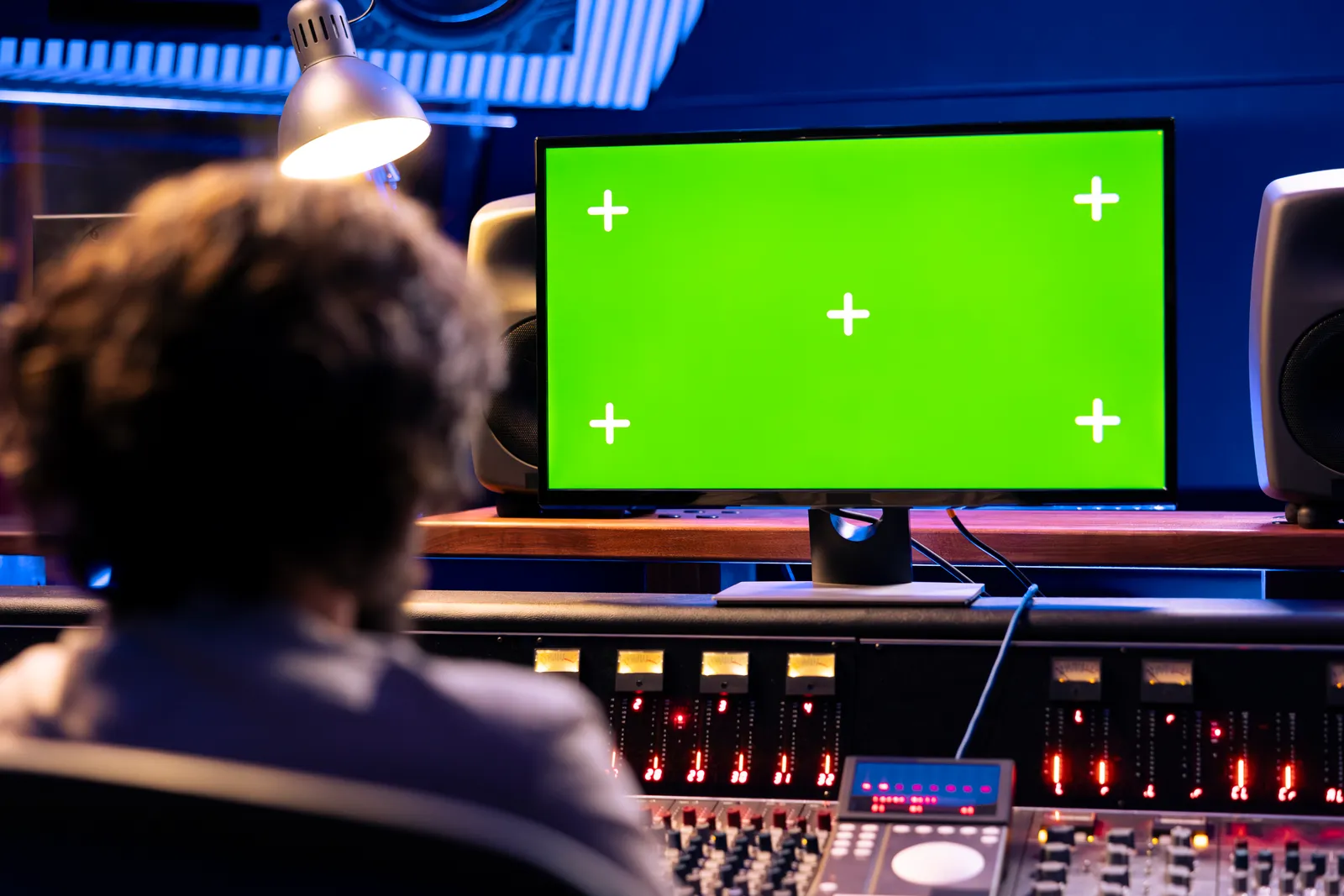
16-Channel Mixing Console: The Complete 2026 Buyer's Guide
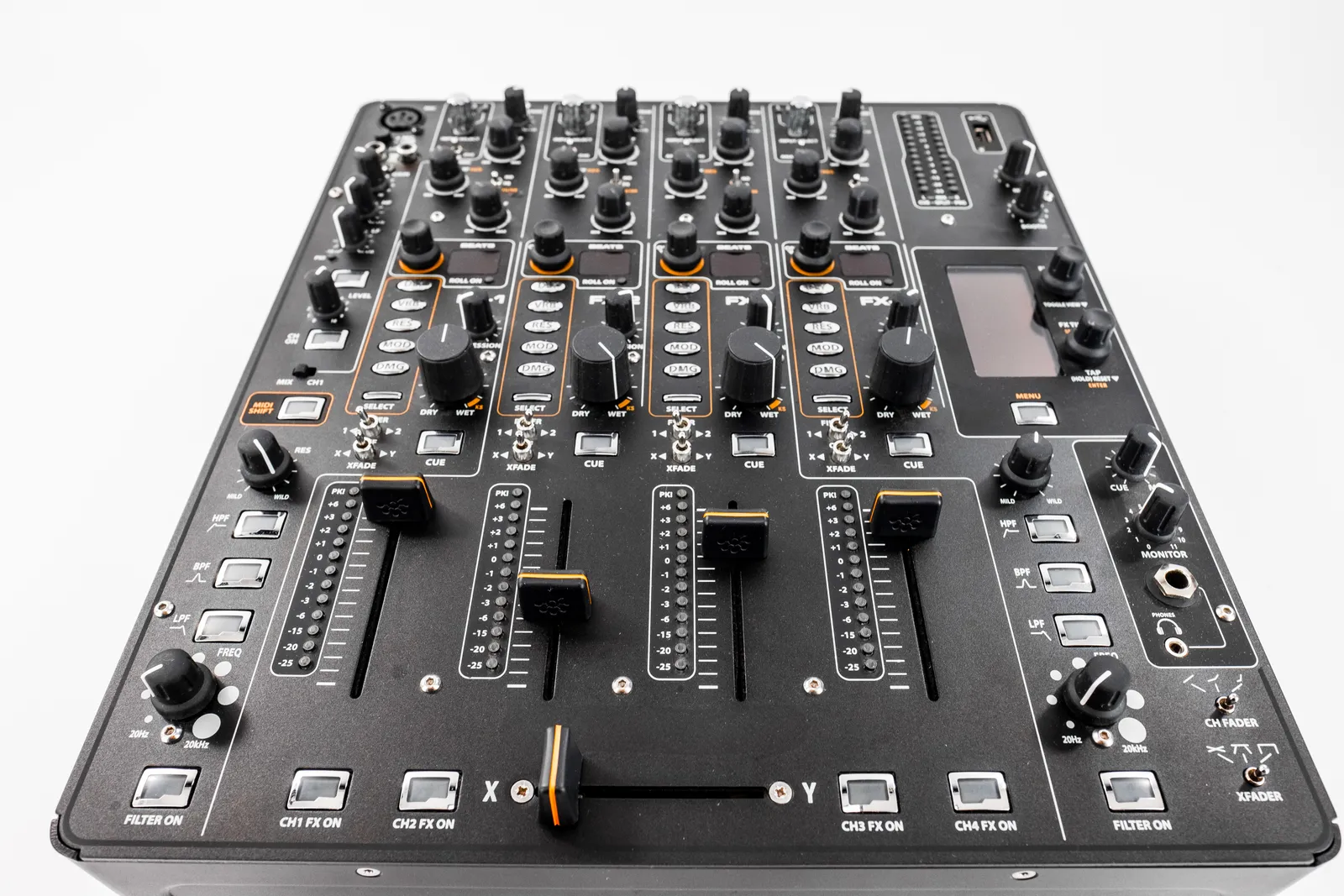
Sixteen channels is where most home and project studio workflows actually land. It's enough to capture a full live band, route multiple monitor mixes, and still have inputs left for the unexpected overdub. Picking the right 16-channel mixing console comes down to a few key decisions - analog versus digital, preamp quality, and whether a standalone console is even the right tool for your setup.
TL;DR
- 16 channels covers most home studio and small venue recording scenarios without overshooting your budget
- Analog consoles give you tactile immediacy and hardware character; digital consoles add full session recall and onboard processing
- The specs that matter most are preamp quality, EQ type, aux send count, and USB audio channel capacity
- If you mix entirely inside a DAW, a touch control surface might solve your actual problem more directly than a hardware console
Why a 16-Channel Mixing Board Covers Most Studio Scenarios
A 16-channel mixing board gives you enough routing flexibility to handle standard home and project studio sessions without the complexity or footprint of a larger frame.
Consider a typical live band tracking session: kick drum, snare, hi-hat, two overhead mics, bass DI, bass amp, two electric guitars, a synth keyboard, lead vocal, and one backing vocal. That's 13 inputs. Add a room microphone and a scratch guitar for the vocalist, and you're at 15 - with one channel left over for the unexpected. Sixteen channels handles it cleanly.
The physical layout of a 16-channel console also works in its favor. Sixteen faders sit comfortably within arm's reach at a standard desk, letting you make mix moves without leaning or repositioning. A 24-channel frame often stretches beyond comfortable reach at its extremes, especially in compact home studio configurations.
For smaller sessions - podcast production, solo artist overdubs, or beatmaker monitoring setups - a 16-channel console gives you room to grow without the cost of buying more than you need. You'll use 4-8 channels on most days and have routing headroom for sessions that demand more.
Analog vs Digital: The Core Decision in Any 16-Channel Mixer
The choice between analog and a 16-channel digital mixer comes down to what you're optimizing for: tactile immediacy, session recall, or routing flexibility.
Analog consoles put every parameter on a physical control. No menus, no touchscreen, no software to update between sessions. For engineers who want to focus on sound rather than interface navigation, that directness is a real advantage. Analog preamps and summing circuits also add hardware character to the signal - a quality that varies considerably by manufacturer and price tier, but is part of why many engineers still prefer tracking through hardware.
The trade-off is session recall. When you walk away from an analog console, your settings exist only in the positions of physical controls. If someone else uses the console between your sessions, or if you accidentally bump a gain knob, those settings are gone. For engineers running multiple concurrent projects or returning to long-term mixes, this is a meaningful limitation.
Digital 16-channel consoles address recall directly. Save a scene, reload it instantly. In live sound contexts - running multiple acts at a venue, or resetting for soundcheck - digital recall saves significant time. In recording studios with overlapping client sessions, it prevents the frustrating experience of re-tuning a mix from memory.
Digital consoles also include onboard processing that analog boards typically lack: onboard reverb, delay, compression, and EQ with visual feedback. Built-in dynamics on every channel can reduce your dependence on external hardware processors during tracking.
Here's how the two approaches compare at a practical level:
| Feature | Analog 16-Channel Console | 16-Channel Digital Mixer |
|---|---|---|
| Sound character | Hardware circuit coloring | Transparent or modeled analog |
| Session recall | Manual reset required | Full scene save and recall |
| Built-in effects | Rare on most models | Common, often per-channel |
| USB audio channels | Usually 2-channel stereo | Often 16+ channels via USB |
| Learning curve | Low - fully physical controls | Moderate - menu navigation |
| Firmware dependency | None | Software updates required |
| Price at 16 channels | Lower entry point | Higher for equivalent I/O |
For home studio owners working in a single DAW without multiple concurrent sessions, analog is the simpler purchase. For live sound or multi-client studio work, digital pays for itself in saved setup time.
For a deeper look at how these two philosophies interact with modern studio workflows, see our analog vs digital mixing breakdown.
Key Specs That Matter in a 16-Channel Mixing Console
Buying a 16-channel mixing console based on channel count alone is how you end up with gear you replace within two years. The specifications that determine whether a console actually serves your work long-term are less obvious than the fader count.
Preamp quality. The mic preamp is the first active circuit in your recording chain. Budget preamps introduce noise and can compress dynamics at the gain levels you'd use for ribbon mics or dynamic mics in untreated rooms. Mid-range and professional consoles invest in lower-noise circuit designs that give you clean gain at higher levels. If you're recording vocals, acoustic instruments, or sources that need significant gain, preamp quality is worth spending up on before any other specification.
EQ design. A basic three-band EQ with fixed frequencies is functional but limited for surgical correction. Mid-range consoles add a sweepable midrange band - a semi-parametric design that lets you target specific problem frequencies rather than boosting or cutting a fixed point. Professional consoles offer fully parametric EQ with independent frequency, Q (bandwidth), and gain control on every band. If you intend to do real EQ work at the console rather than entirely in software, a swept-mid design is the practical minimum.
Aux send count. Aux sends determine how many independent mixes you can route simultaneously. Two aux sends means one headphone mix and one effects return - functional for simple sessions but limiting for anything more complex. Four or more aux sends let you run separate headphone mixes for different performers, send to outboard reverb, maintain a separate cue mix for recording, and still have sends available for monitoring. If you're recording more than two performers simultaneously, four sends is the number worth targeting.
Insert points. Channel inserts let you place outboard gear directly in the signal path at each channel - a hardware compressor, a gate, an outboard EQ. If you own hardware processors you want to use during tracking rather than only in post-production, per-channel inserts are a requirement. Many budget consoles omit them entirely; check the specifications carefully.
USB audio channel count. A 16-channel audio mixer with 2-channel USB only sends your stereo main mix to your DAW. One with multichannel USB records individual tracks directly without a separate audio interface. Budget consoles almost universally limit USB to stereo output. Verify the channel count explicitly - not just the presence of a USB port - if multitrack DAW recording via console is part of your plan.
Check current specifications and side-by-side comparisons at Sweetwater's mixing console section, where individual product pages list full spec sheets.
Brands Making the Best 16-Channel Mixers
The best 16-channel mixer options come from manufacturers with decades of console design behind them. Here's how the major players position their 16-channel product lines:
| Brand | Key Product Line | Market Position | Known For |
|---|---|---|---|
| Yamaha | MG Series | Entry to mid-range | Consistent preamp quality, long-term reliability |
| Mackie | ProFX Series | Mid-range workhorse | Live-tested build, broad DAW compatibility |
| Behringer | Xenyx Series | Budget-accessible | Entry point with wide feature sets at low cost |
| Allen & Heath | ZED / SQ Series | Mid to professional | Premium preamp design, clean gain structure |
| Soundcraft | Signature Series | Mid-range | Built-in Lexicon effects, broadcast-friendly build |
| Midas | M32 Ecosystem | Professional | Heritage console DNA, touring-grade components |
Yamaha's MG16 line is a consistent starting point for home studio owners given its preamp quality and reliability. The Mackie ProFX series earns loyalty in live sound for its build quality under touring demands.
For independent reviews across these brands, MusicRadar's mixing desk coverage compiles hands-on testing from engineers across use cases.
You can also compare how standalone consoles stack up against interface-based setups in our best audio mixing console comparison.
When a Digital Mixing Console Is the Right Call
A digital mixing console pays for its added cost and complexity in specific scenarios. Understanding where that threshold falls helps you avoid buying one when you don't need it, or buying analog when you should have gone digital.
Live sound and multi-act venues. Running front-of-house for a venue with multiple acts per evening means resetting the console between every set. On an analog board that's faders to zero, gains re-trimmed from scratch, EQ bands reset by hand, and aux sends rebuilt from memory. A digital console snapshots the whole session and restores it in seconds. For working live sound engineers, this alone justifies the cost difference.
Recording studios with multiple concurrent clients. If you're working with different artists across sessions that overlap on the calendar, saving and recalling exact console states prevents the mix loss that comes from shared equipment. A client's session from Tuesday is exactly where you left it when you return on Thursday.
Post-production and broadcast. Facilities doing broadcast audio, podcast production, or film sound work benefit from the tight routing matrix, scene management, and onboard dynamics that digital consoles provide. The built-in processing also removes the dependency on separate hardware compressors and gates when the production budget doesn't cover an outboard rack.
Hybrid analog-digital setups. Some engineers use an analog console for tracking and a digital console for monitor mixing. Knowing which console serves which function - and being deliberate about it - produces better results than trying to make one format do everything.
Sound On Sound's coverage of digital console integration in hybrid studio setups is worth reading before committing to a format.
Do You Actually Need a Console? The DAW Controller Alternative
Before committing to a 16-channel mixing console, it's worth being clear about how you actually work. If the majority of your mixing happens inside a DAW - adjusting plugin settings, automating virtual faders, balancing tracks in software - a hardware console adds routing complexity you don't need.
What many home studio owners actually want isn't a separate hardware mixer in the signal chain. They want better physical access to their DAW's own mixer: the ability to grab faders, ride levels, and mute tracks without using a mouse for every move. That's a DAW control surface problem, not a console problem.
TouchDaw takes a different approach to this. Rather than adding a hardware mixer to your signal path, it gives you a wide-format touch display that maps directly to your DAW's mixer - faders, mutes, solos, and sends, all accessible by touch. At 38 inches wide and 10 inches tall, it can show your full session view simultaneously without paging through banks of channels. It connects via USB-C, works on Mac and Windows, and costs considerably less than analog consoles at any comparable channel count.
For engineers who track hardware sources through physical gear before hitting their audio interface, a console makes sense. For engineers who've already moved entirely into the box, a touch control surface removes the mouse without adding hardware to the signal chain.
The distinction matters because buying a console when you need a control surface - or buying a control surface when you need a console - leaves you solving the wrong problem.
Pro Tip: Before purchasing a 16-channel console, sketch your studio's routing diagram: every input in a maximum session, every monitor destination, and every effects send. If that fits within 12-14 channels, a 16-channel frame gives you genuine headroom. If you're already at 16 on paper, buy the 24-channel frame now rather than upgrading later.
FAQ
What is a 16-channel mixing console used for?
A 16-channel mixing console routes and balances audio from up to 16 input sources - microphones, instruments, and playback returns - before sending them to your monitors, recording system, or main outputs. Common uses include tracking live bands, running front-of-house sound at small venues, managing monitor mixes for performers, and summing outboard gear in hybrid studio setups.
What's the difference between a 16-channel analog mixer and a 16-channel digital mixer?
An analog 16-channel mixer processes audio through physical circuits with no digital conversion, offering tactile immediacy but no session recall. A 16-channel digital mixer converts audio at the input and handles routing, EQ, and effects in software, enabling full scene recall, onboard processing per channel, and typically more USB audio channels. Digital consoles cost more at equivalent channel counts but pay off in multi-session environments.
How many channels do I actually need for my home studio?
Sixteen channels covers most home studio recording scenarios, including full band tracking. If sessions typically involve six or fewer simultaneous inputs - overdubs, podcast production, solo artist work - an 8-channel format may suffice. If you regularly track large ensembles or need extensive monitor routing for multiple performers, a 24-channel frame gives more flexibility without full 32-channel cost and complexity.
Can I use a 16-channel mixing console as a USB audio interface?
Many 16-channel mixers include USB audio, but implementation varies. Budget analog consoles usually offer 2-channel USB (stereo main mix only). Mid-range and professional models, especially digital consoles, often support multichannel USB for individual track recording directly into a DAW. Always verify the USB channel count - not just the presence of a USB port - if multitrack DAW recording via console is your plan.
Is a 16-channel mixing board better than a DAW control surface for in-the-box mixing?
They solve different problems. A mixing board belongs in the signal chain when you're routing hardware instruments, microphones, or outboard gear before your recording system. If you're mixing entirely within a DAW - plugins, virtual instruments, software automation - you don't need hardware in the signal path. A DAW control surface maps to your software mixer and gives you physical fader access without the routing complexity of a standalone console.
What features separate entry-level and professional 16-channel consoles?
Entry-level consoles use basic preamps with higher noise floors, fixed three-band EQ, two aux sends, and no insert points. Professional consoles use lower-noise preamp designs, semi-parametric or fully parametric EQ per channel, four or more aux sends, per-channel inserts, and heavier build quality. Professional faders also maintain positional accuracy over years of daily use in a way budget faders don't.
Choosing a 16-channel console is one of the more durable studio decisions you'll make. Match the format to how you actually work and the investment pays off every session.