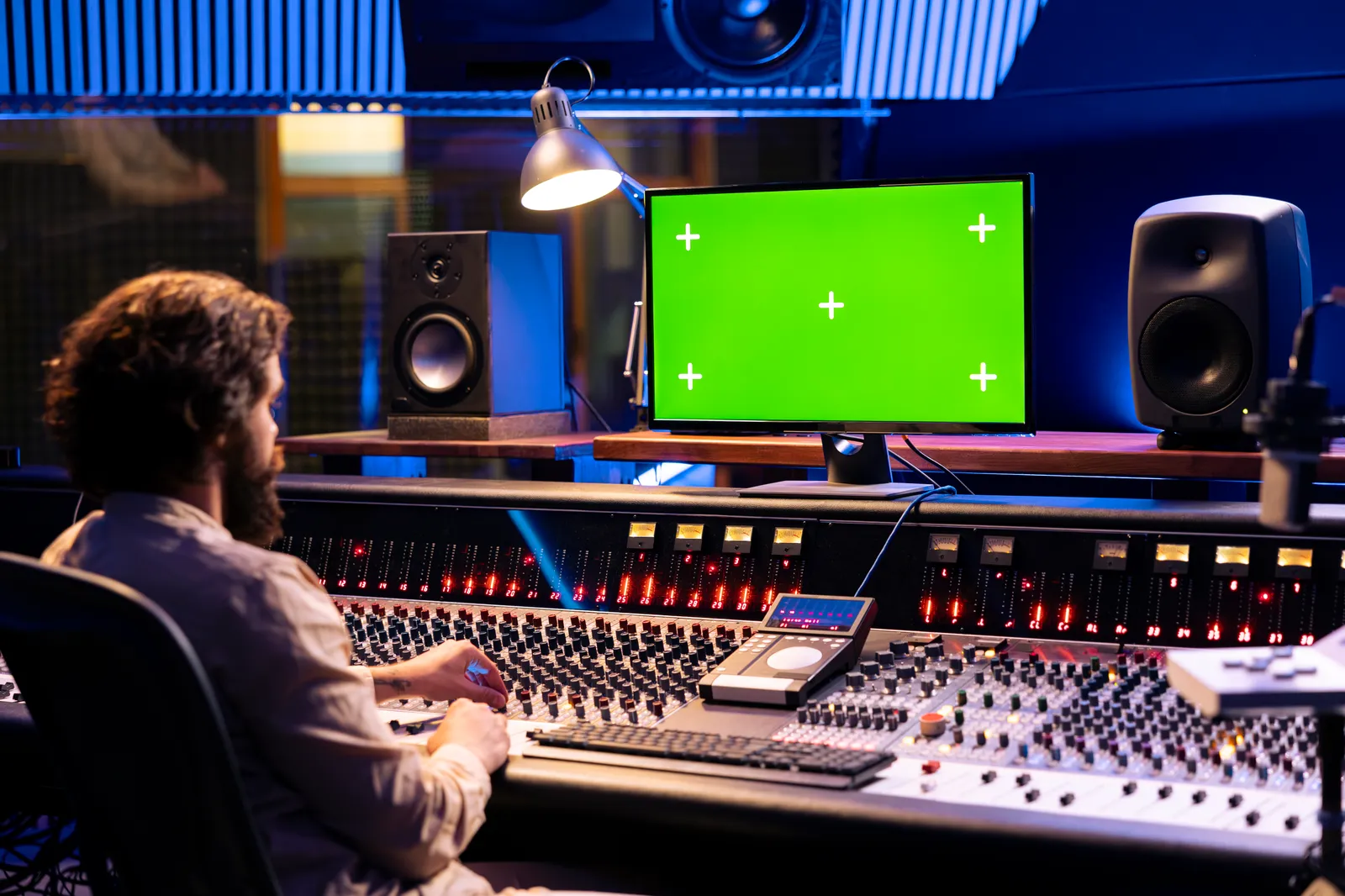
Touch Screen Mixers: The Future of Hands-On DAW Control
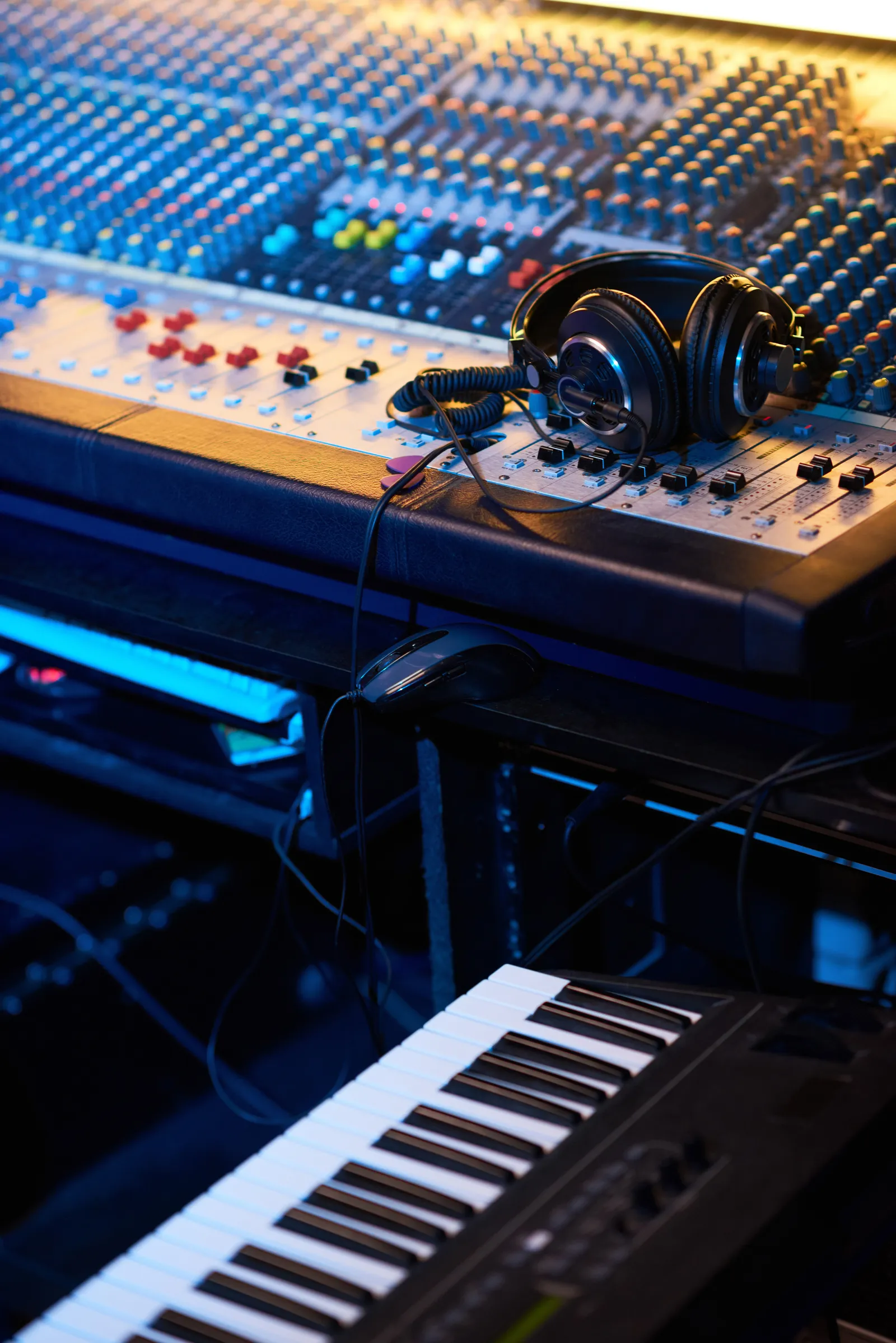
The phrase "touch screen mixer" covers two very different tools — and buying the wrong type for your setup is an expensive lesson. This guide breaks down what a touch screen mixer actually is, how the two main categories differ, and which one belongs in your studio.
TL;DR:
- Touch screen mixers split into live hardware consoles and software DAW controllers — they aren't interchangeable
- For in-the-box mixing, a DAW-focused touch screen controller adds tactile control without replacing your interface
- The Steven Slate Audio RAVEN is the category benchmark, but it's Mac-only and starts at $2,000+
- TouchDaw's 38" × 10" horizontal surface brings the console experience to Mac and Windows starting at $50
What Is a Touch Screen Mixer?
A touch screen mixer lets you control audio routing and levels by touching a glass surface instead of turning physical knobs or pushing physical faders. That's where the shared definition ends.
The first category is the live sound digital mixer with an integrated touch display. These are full hardware consoles from manufacturers like Yamaha and Allen & Heath. They have their own preamps, summing buses, and DSP — the touch screen is how you access the channel strips and routing. There's no computer in the signal path.
The second category is the touch screen DAW controller. It contains no audio circuitry at all. It's a touch-sensitive display that mirrors your DAW's software mixer and lets you operate it by hand — faders, sends, EQ nodes, transport buttons. The audio flows through your interface and computer as always; the touch screen just gives you a physical surface to work from.
These two categories don't compete with each other. A touch screen audio mixer with physical preamps makes no sense for someone mixing in Logic on a MacBook. And a DAW touch controller can't replace the hardware consoles running FOH at a live venue.
The Two Types of Touch Screen Studio Mixer
Live Digital Consoles with Touch Screens
Live-oriented touch screen mixers are self-contained systems. They route microphone signals, apply processing, and send outputs — the touch interface just makes that physical signal chain more accessible. You'll find touch displays on mid-to-large format consoles in touring rigs, theaters, broadcast trucks, and recording studios with large tracking rooms.
The benefit over traditional physical channel strips is speed of access. A 64-channel desk can surface any channel's EQ or dynamics on a touch screen in two taps, whereas finding and reaching a physical control often means walking to a specific part of a large frame.
Sweetwater carries a broad range of these consoles with full specs and pricing for anyone evaluating them by channel count, plugin capacity, and AoIP connectivity.
DAW Touch Screen Controllers
For producers and engineers working inside a computer — using Logic, Ableton, Pro Tools, Studio One, Cubase, or any other DAW — the relevant category is the DAW touch controller.
These devices connect to your computer over USB-C or Thunderbolt, use MCU, HUI, or proprietary protocols to talk to your DAW, and display a visual representation of your mixer that you can actually touch. The best ones make it feel less like using software and more like working on a physical desk.
This is the category where the RAVEN, TouchDaw, and a handful of other products compete — and where the differences in form factor, OS support, and price have the biggest practical impact.
Touch Screen Mixer Options Compared
| Product | Type | Screen Orientation | DAW Compatibility | Starting Price |
|---|---|---|---|---|
| Steven Slate RAVEN MTI MAX | DAW controller | Vertical, 27" | Mac only | ~$2,000+ |
| TouchDaw | DAW controller | Horizontal, 38" × 10" | Mac + Windows | $50–$190 |
| iPad (with DAW remote apps) | Tablet controller | Vertical, 10"–13" | Most DAWs | Varies |
| Live digital console | Hardware mixer | Varies by model | Hardware only | Varies |
The raven touch screen mixer line from Steven Slate Audio set the standard for this category. RAVEN panels use a large vertical touch display integrated with proprietary RAVEN software that adds multi-touch gestures and batch commands on top of standard MCU communication. It's powerful, polished, and deeply integrated with professional Mac workflows. The limitations are real: Mac only, iLok required, and the price puts it outside most home studio budgets. Steven Slate Audio has full specs on their official site.
iPad-based controllers work — especially with newer iPad Pro models and DAW remote apps — but the vertical orientation and limited screen size mean you're looking at fewer channels at once than you'd want for a real mix session.
How a Touch Screen Digital Mixer Changes Your Workflow
The core benefit of touch control is latency reduction between intention and execution.
On a mouse, adjusting a fader requires: find the correct track, position the cursor, click, drag, release. Every step takes a split-second of attention. On a touch surface, you look at the channel you want and touch it. For the kinds of micro-adjustments that define a mix — riding a lead vocal, trimming a snare send, pulling a bus down a half dB — touch is genuinely faster once you're past the learning curve.
There's also the parallel manipulation question. Mouse-based mixing is serial: one fader at a time, one parameter at a time. Touch screens let you move two faders simultaneously, which is how engineers work on physical desks. That capability doesn't sound like much until you're trying to automate a balance shift between a lead and a harmony — and you can just do it with both hands instead of two separate automation passes.
Sound On Sound has explored the relationship between tactile control and mix decision quality in several in-depth features, and the consistent finding is that engineers with physical feedback make more confident decisions faster.
The orientation question matters more than most buyers realize. Vertical touch panels position the surface in front of you, angled up like a second monitor. You extend your arms forward to touch it. Horizontal touch surfaces sit flat or angled on the desk surface in front of you, which puts your hands in the same neutral position as reaching for a physical console's faders. Ergonomically, the horizontal layout wins for long sessions.
TouchDaw: The Ultra-Wide Touch Screen Studio Mixer for DAWs
TouchDaw is built around the horizontal philosophy taken to its logical extreme. The panel is 38 inches wide and 10 inches tall — the aspect ratio of a real analog console, not a tablet held sideways.
That width means you can see a realistic number of channels laid out left-to-right simultaneously without constant scrolling. When you're working a 24-track session, the difference between seeing 8 channels and 20+ channels is the difference between mixing and navigating.
It connects via USB-C or Thunderbolt to Mac and Windows systems. There's no iLok authorization, no proprietary driver installation — it shows up as a standard HID device and talks to your DAW through whatever control surface protocol that DAW supports. For engineers who work across Mac and Windows studios, or who built their setup on Windows, that cross-platform support is a meaningful advantage over RAVEN.
At 11–20mm thin, it fits on a desk without demanding the kind of depth clearance a vertical panel needs. And at $50–$190, it's an accessible addition to a setup that already includes a quality interface and monitoring chain rather than a competing purchase.
The 55ms touch response keeps fader rides accurate during live playback. That's under the threshold where lag becomes perceptible for most users doing standard mix work.
If you're already thinking about how a touch surface fits into a broader DAW control surface setup, TouchDaw slots naturally into a workflow alongside a transport controller or a dedicated monitoring section — it handles the mixer lanes while other controllers handle other functions.
Which Touch Screen Mixer Is Right for You?
The decision tree is cleaner than it looks:
You need a live digital touch screen console if:
- You're routing physical microphone inputs at a live event, in a tracking room, or in broadcast
- You need built-in preamps, DSP, and physical outputs
- Your workflow requires a standalone hardware mixing engine
You need a touch screen DAW controller if:
- You mix inside software on a Mac or Windows computer
- You want tactile control without replacing your audio interface
- You're working in a home studio, project studio, or personal production setup
- Budget is a real constraint
Most of the people searching "touch screen mixer" fall into the second group. If you're running a DAW, the hardware console category is a different product class entirely — and no touch screen audio mixer in the live sound world will improve your in-the-box mixing workflow.
Within the DAW controller space, the choice between the RAVEN and a horizontal option like TouchDaw comes down to Mac vs. cross-platform, vertical vs. horizontal ergonomics, and whether your budget allows for a premium single-vendor ecosystem or a more modular approach.
For those evaluating the comparison more carefully, our Slate RAVEN review covers the full picture of what RAVEN delivers and who it's genuinely the right choice for. And if touch screens aren't your priority but physical fader feel is, motorized fader controllers are worth a look as a complementary option.
What to Look for When Evaluating Touch Screen Mixers
Whether you're buying a live console or a DAW touch controller, these factors separate useful products from frustrating ones:
- Touch response time — under 60ms for anything involving live fader rides; higher latency feels like a lag
- Screen size and layout — horizontal controllers show more channels; vertical panels can feel like a monitor you're touching
- Protocol support — MCU and HUI are DAW-universal; proprietary protocols give more features but tie you to one ecosystem
- OS compatibility — Mac-only products lock out Windows users and complicate cross-studio workflows
- Physical depth requirement — know your desk clearance before ordering anything wider than 24"
MusicRadar publishes updated DAW controller roundups that include touch-capable options, and they're reliable for side-by-side spec comparisons without the marketing noise.
Pro Tip: Map your desk before you buy. A 38" horizontal panel needs roughly the footprint of a 15" laptop and a compact external display side by side. Measure the space where your hands naturally rest at mix position — that's where the controller should live, not pushed to the back of the desk.
Frequently Asked Questions
What is a touch screen mixer?
A touch screen mixer is an audio control device operated by touching a glass surface instead of physical knobs and faders. The term covers two distinct categories: live sound digital consoles with integrated touch displays (used for routing physical audio signals), and touch screen DAW controllers (used to operate software mixers in a computer-based studio). The two types don't compete — they serve different workflows entirely.
How does a touch screen DAW controller work?
A touch screen DAW controller connects to your computer via USB-C or Thunderbolt and communicates with your DAW using standard protocols like MCU or HUI, or a proprietary integration layer. It displays a visual representation of your software mixer that you can touch to move faders, adjust sends, and control transport. There's no audio signal inside the controller — audio still flows through your audio interface.
Is the Slate RAVEN worth it for home studios?
The RAVEN is genuinely excellent, but it's built for professional Mac-based studios with the budget to match — it starts around $2,000 and requires iLok authorization. For home studio owners on a tighter budget, or anyone using Windows, the value proposition is harder to justify. More affordable touch screen DAW controllers offer similar workflow benefits at a fraction of the cost.
Does TouchDaw work with Windows?
Yes. TouchDaw is compatible with both Mac and Windows from day one. This is one of its key differentiators from the RAVEN, which has remained Mac-only. Windows compatibility matters for engineers who work across different studio environments or who built their setup on a Windows workstation.
Can I use an iPad as a touch screen mixer?
You can use an iPad with DAW remote apps to control software mixers via touch, and it works reasonably well for small sessions. The limitations are screen size (10"–13" shows fewer channels than a dedicated controller) and the vertical orientation, which doesn't replicate the horizontal console layout. For serious mix sessions, a dedicated horizontal touch surface gives you more simultaneous channel visibility.
What DAWs are compatible with touch screen controllers?
Most major DAWs support MCU (Mackie Control Universal) and HUI protocols, which are the industry standards for external control surfaces. Logic Pro, Pro Tools, Ableton Live, Cubase, Studio One, and Reaper all support MCU or HUI. Some controllers add proprietary integrations on top for additional features. Check your specific DAW's documentation for control surface setup under Preferences or Settings.
What's the difference between a touch screen mixer and a motorized fader controller?
A motorized fader controller uses physical moving faders — actual hardware sliders that can be recalled to match automation positions. A touch screen mixer uses a glass surface you touch to control virtual faders in software. Motorized controllers provide tactile physical resistance; touch screens provide visual feedback and multitouch capability. Some setups combine both, using a motorized controller for main faders and a touch surface for additional parameters.
A touch screen mixer earns its place in your studio by removing the mouse from the signal path between your ears and your mix. Whether that's a live console at FOH or a horizontal surface on your home studio desk, the right choice is the one that actually fits how you work — and how your hands naturally want to reach.